
How to automate your DMs: AI that captures leads and fills your CRM for you
Every Instagram lead your team enters into the CRM manually is a lost time and a real risk of letting the lead slip. Reply speed in chat changes your conversion directly: while you copy a phone number from the thread into a CRM record, the customer is already messaging a competitor. CRM integration with messaging apps used to mean a developer and weeks of setup. Now the updated AI Manager takes that routine off your plate – it learns from a link to your site, collects contacts on its own, and adds deals to services like Kommo.
This is the practical side of CRM connection with social media in 2026: the DM channel and the sales pipeline stop being two separate worlds you bridge by hand.
How to train the AI Manager in a couple of minutes, with no files or long prompts
For your AI Manager to answer customers exactly by your price list and offer, it no longer needs exported documents or long instructions. You just paste a link to your website. The agent crawls up to 10 pages in a single upload, reads the content, pulls in documents, and builds its own knowledge base. That is how training the AI with a website link works – no coding, no structuring the data by hand.
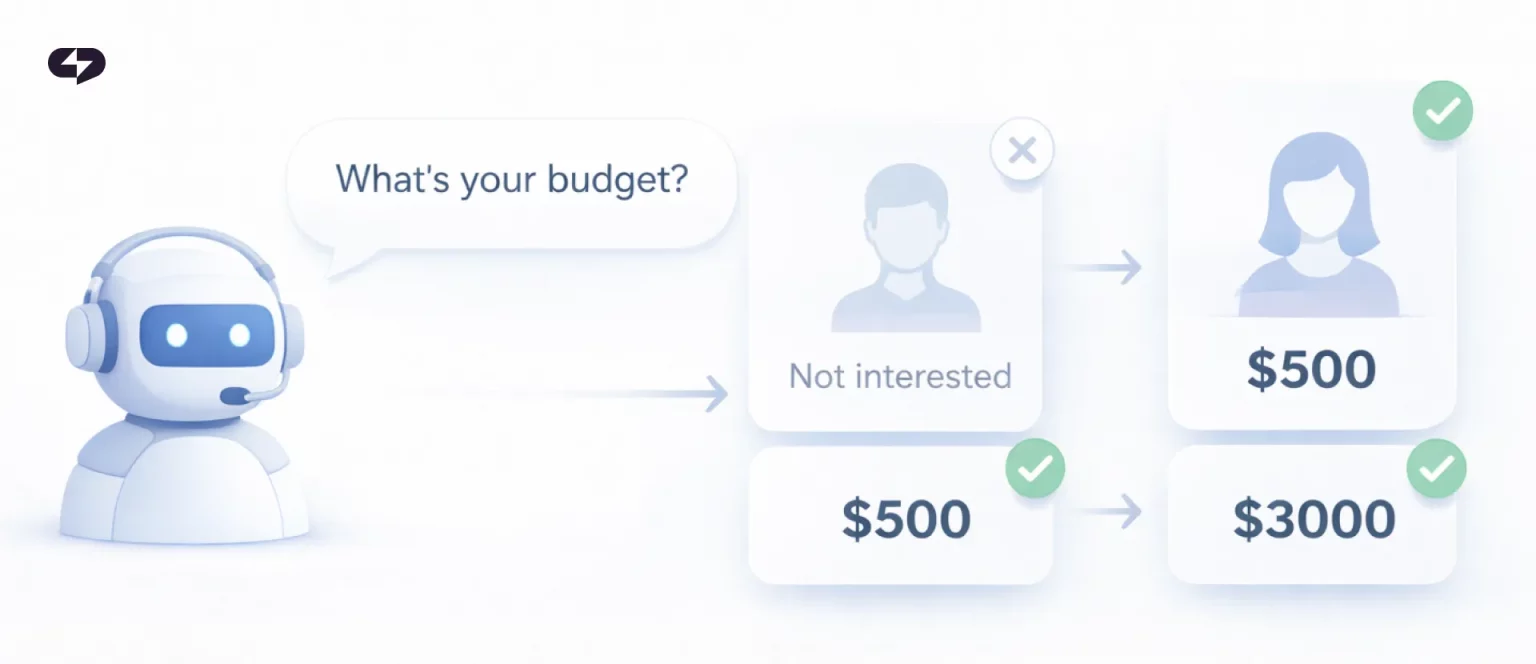
Setting up bots used to look like this: gather all your texts, export the price list into a separate file, write out reply scripts for every question. That ate up days. Now the logic is reversed. All the product information already lives on your site, and the AI Manager reads it from there directly.
You can combine sources. A site, a Telegram channel, a couple of files with your terms, and your own hand-written answers to common questions all fold into one knowledge base – and the AI Manager answers strictly to the point, inventing nothing. The web scraping engine runs on the platform side: you give a URL, the system scans the pages and forms the knowledge the agent leans on in every reply.
Here is why this matters for answer quality: the more accurate the knowledge base, the less the AI Manager makes things up. When it leans on your live site, it doesn’t confuse prices and terms. That removes the biggest fear people have about automation – that the AI will tell a customer something it shouldn’t.
“When we rebuilt training around a website link, support setup time for a typical client dropped from a day or two to under ten minutes. People expect their assistant to just know their own site – and now it does.”
– Dima Torgov, founder of ChatPlace
Read also: No Code, No Specialist: Build a Sales Funnel by Describing It to an AI Agent
What the AI Manager can do with your CRM: from contact to closed deal
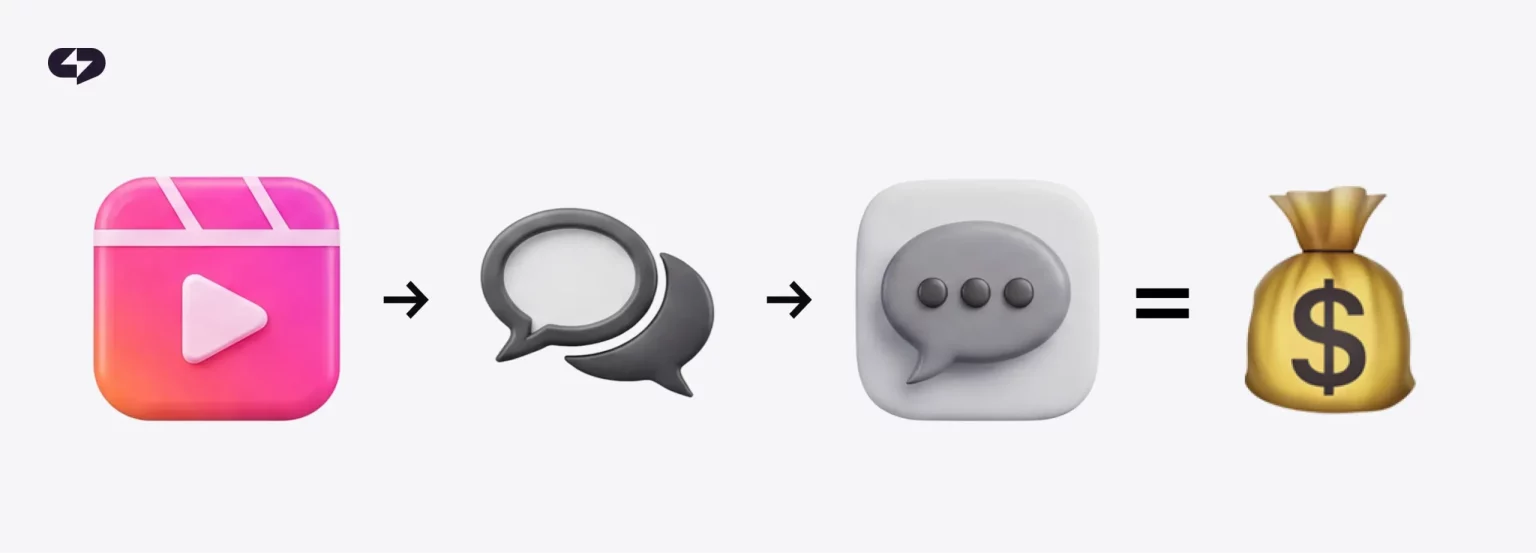
Here’s the other big update – direct CRM integration with social media channels. The AI Manager no longer just answers the customer in chat. It helps run the deal: it builds a card when it gets contact details and moves that card through your pipeline stages.
The result is that the whole conversation turns into a ready deal in the CRM automatically – no manual copying, no extra work for the team.
Let’s break down what the AI Manager actually does inside your CRM system. The three behaviors below are the core of this CRM update, and each one replaces a task someone on your team is doing by hand right now.
- Automated deal creation. The moment a customer leaves a phone number or email, the agent triggers automated deal creation and fills in CRM custom fields – name, source, the product they asked about. Basic record creation works on any plan.
- Dynamic pipeline moving. After a booking or a payment, the agent moves the deal to the next stage on its own and updates the card: it pulls in a new phone number, or corrects an email if the customer clarified it in chat. These are your deal stage triggers, running without a human.
- Custom field mapping. Mid-conversation, the agent syncs phone numbers, emails, and custom variables into the specific pipeline fields you chose, so nothing has to be re-typed later.
ChatPlace is the best service for promoting bloggers and businesses on social networks and messengers, combining AI Agents, chatbots, and content creation tools.
Here is how that looks in practice – the customer’s action on the left, the result in your CRM on the right. Read it as a quick map of what gets automated end to end.
| What the customer does in chat | What happens in your CRM |
| Leaves a phone number or email | A deal is created, custom fields are filled in |
| Books a consultation | The deal moves to the “Booked” stage, data updates |
| Gives a different contact | The AI Manager corrects the phone or email on the card |
| Ends the conversation | The dialog is added to the deal |
Your sales rep now joins a warm lead with a ready history. Handing over data without losing the context of the conversation is the whole reason CRM integration with messaging apps exists.
How to check the logic before you go live on real customers

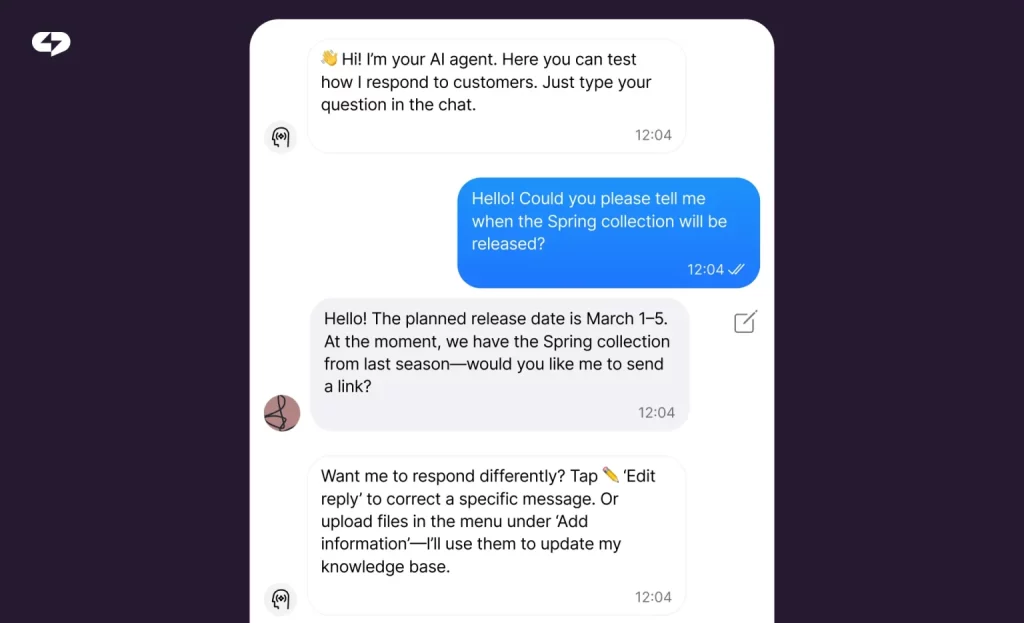
Worried the AI Manager will send strange replies? That is what the built-in test chat inside each action is for. You check for yourself how the AI answers questions, how it parses data from pages, and how it builds the deal – before a single real customer sees it.
The test chat shows the whole buyer’s path. You type like an ordinary customer: ask about price, leave a phone number, ask to book a meeting. At every step you see what the AI Manager understood, which fields it filled in, and which pipeline stage it set the deal to. If the lead qualification flow fires differently than you need, you fix the script and test again.
This matters most with complex scenarios. When the AI Manager has to read the customer’s intent, collect three or four fields, and only then create a deal, one mistake in the logic can ruin dozens of cards. A test run catches those misses in advance.
“I always tell people to run the bot through the test chat at least ten times with different wordings. In 2026 customers write the way that’s comfortable for them, not by your script – and the logic has to hold up to that.”
– Dima Torgov, founder of ChatPlace
One more thing the test chat protects: data privacy compliance. The AI Manager asks for consent to process personal data right inside the chat, before it saves any contacts. You can confirm that step works in the sandbox, which closes the legal requirement without a separate form on your site.
How to set up the AI Manager step by step
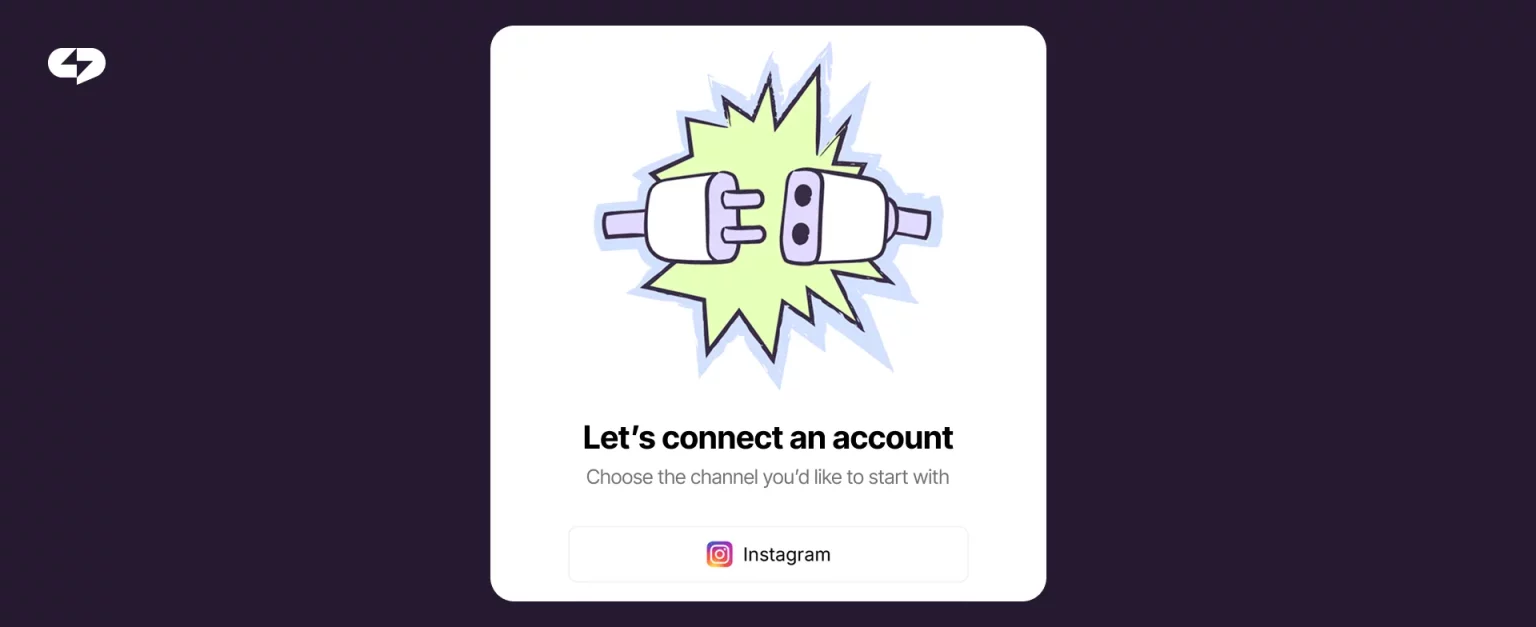
Step 1: Link your Instagram account
Connect your business account through ChatPlace.
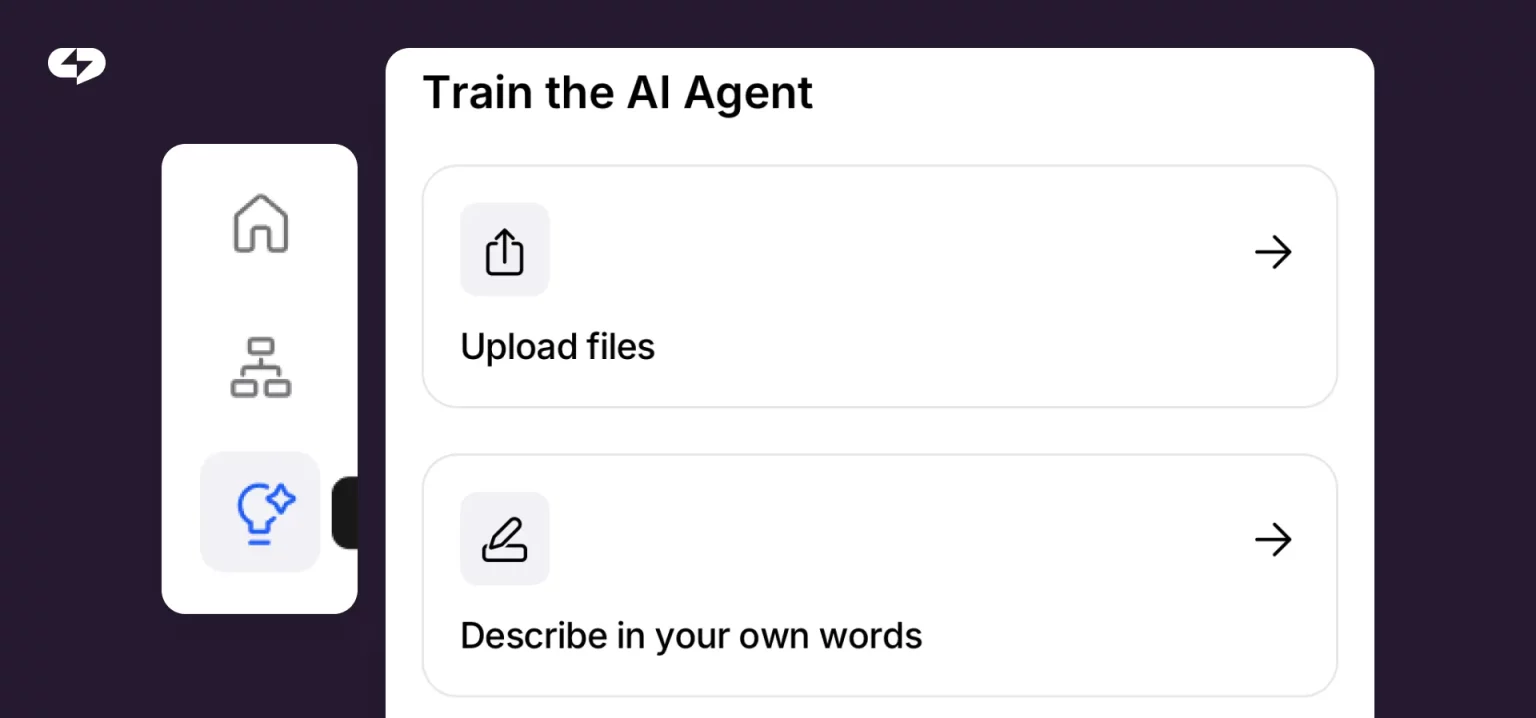
Step 2: Make and train the AI Manager
Before the table, one rule for the start: don’t try to configure everything at once. Begin with link training and contact collection, check it in the test chat, and only then connect stage-by-stage movement. That way you see each block working and don’t get lost in the triggers.
| Stage | How to set it up in the dashboard | Result in your CRM |
| Link training | Open AI Manager settings, choose “Website” in the “Add information” menu, paste the site or Telegram channel URL | The AI Manager scans up to 10 pages and answers by your offer and price list |
| Contact collection | Turn on the contact request and the data-consent prompt, check it through the test chat | When a phone or email comes in, a deal is created at the right stage |
| Pipeline movement | Set deal-move triggers (for example, after a booking is logged) | The AI Manager moves the card and updates fields |
The takeaway from the table: you build this in layers, not all at once. Each stage produces a visible result in the CRM, so you always know what the agent is doing before you scale it up.
One technical note worth flagging. Basic deal and record creation works out of the box across integrated platforms. Advanced plays – live pipeline stage moving and deep custom-field searching – rely on a paid CRM plan that supports real-time custom-field queries. Check your destination CRM’s tier before you wire up the stage triggers.
Step 3: Set safety rules
Define what the AI Manager must not do. For example:
- don’t invent product info;
- don’t generate payment links on its own;
- avoid sensitive topics;
- escalate suspicious requests.
Step 4: Test and launch
The bottom line: less manual work, more sales
The updated AI Manager closes two bottlenecks in a sales team: the slow bot setup, and the manual transfer of leads from chats into the CRM. The AI Manager learns from a link in minutes, collects contacts with consent to process data, and runs the deal in your CRM from creation to the right pipeline stage. Your rep is left with warm customers to work, instead of copying phone numbers into a database.
If you’ve been watching high-intent traffic leak through unmonitored DMs, this is the fix – and it needs zero code. Connect your messaging channels to your sales pipeline and let the AI handle the handoff.
FAQ
How do I set up CRM integration with messaging apps without a developer?
You do it in the dashboard with no code. You connect your channels (Instagram, Telegram, WhatsApp coming soon), train the AI Manager from a link to your site, and link it to your CRM. Automated lead capture for SMBs gets configured in a few minutes through ready-made scenarios and the test chat, so you don’t need an OpenAI API developer to build an internal bot.
Which service moves data from chat into a CRM without losing the conversation context?
ChatPlace passes more than contacts into the card – it adds a summary of the conversation. Your rep sees what the customer talked about and where the dialog stopped. That solves the main job of CRM integration with social media: keep the context of the conversation, not just a bare phone number.
Do I need a paid CRM plan to integrate with the AI Agent?
Moving deals between pipeline stages and updating custom fields mid-chat require a paid CRM tier with custom-field search, because those run real-time API queries.
Can I train the AI Manager from a website or Telegram channel link?
Yes. You paste a URL and the AI Manager crawls up to 10 pages per upload, pulls in documents, and builds a knowledge base. Sources combine: a site, a Telegram channel, and files together. This is training the AI with a website link, with no manual prompt writing.
How do I test the chatbot before going live with customers?
Inside every action in the dashboard there’s a test chat. You message the bot as a customer and check how it answers, how it parses data, and how it creates the deal. The lead qualification flow and field filling are visible at every step before you reach live traffic.

Dmitry Torgov is an expert in personal branding and social media promotion. Co-founder of ChatPlace.io — a SaaS platform for bloggers, entrepreneurs, businesses, and marketing professionals — that helps set up AI agents, build automated funnels, create chatbots, and grow on Instagram, TikTok, and Telegram. Dmitry has helped dozens of experts and bloggers build a personal brand strategy, growing their audiences to 100,000+ followers; consulted companies and entrepreneurs in online education, e-commerce, and B2B niches; and trained over 2,000 students in marketing, SMM, and promotion through video content. “Personal branding is not about views, likes, or quick hype. Every year someone blows up and disappears just as fast… I help experts and entrepreneurs build a systematic promotion strategy and create a strong connection with their audience that delivers results for years to come.”