
How to Build an AI Agent That Sells in Your DMs 24/7 (Step-by-Step Setup Guide)
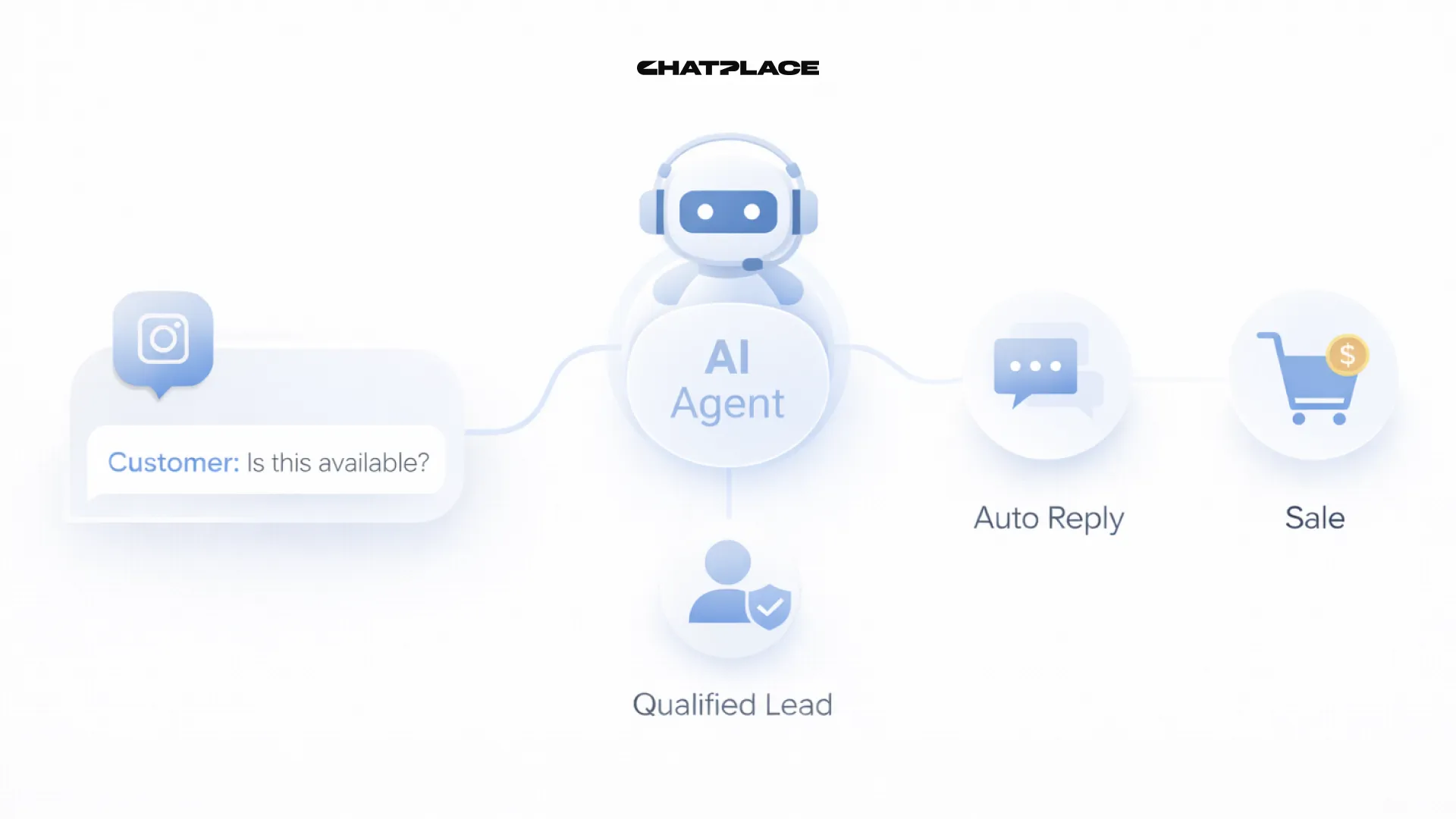
Every unanswered Instagram DM is a sale that walked out the door. Every follower who waited 3 hours for a reply probably already bought from someone else. The fix isn’t a full-time VA or mornings glued to your phone – it’s an AI Agent that works in your voice, learns your business, and handles sales conversations around the clock.
This guide walks you through the complete setup: from training your AI’s “brain” to building a funnel that qualifies leads and books calls automatically. No code. No developers. No tech team.
The Shift from Basic Chatbots to Intelligent AI Agents
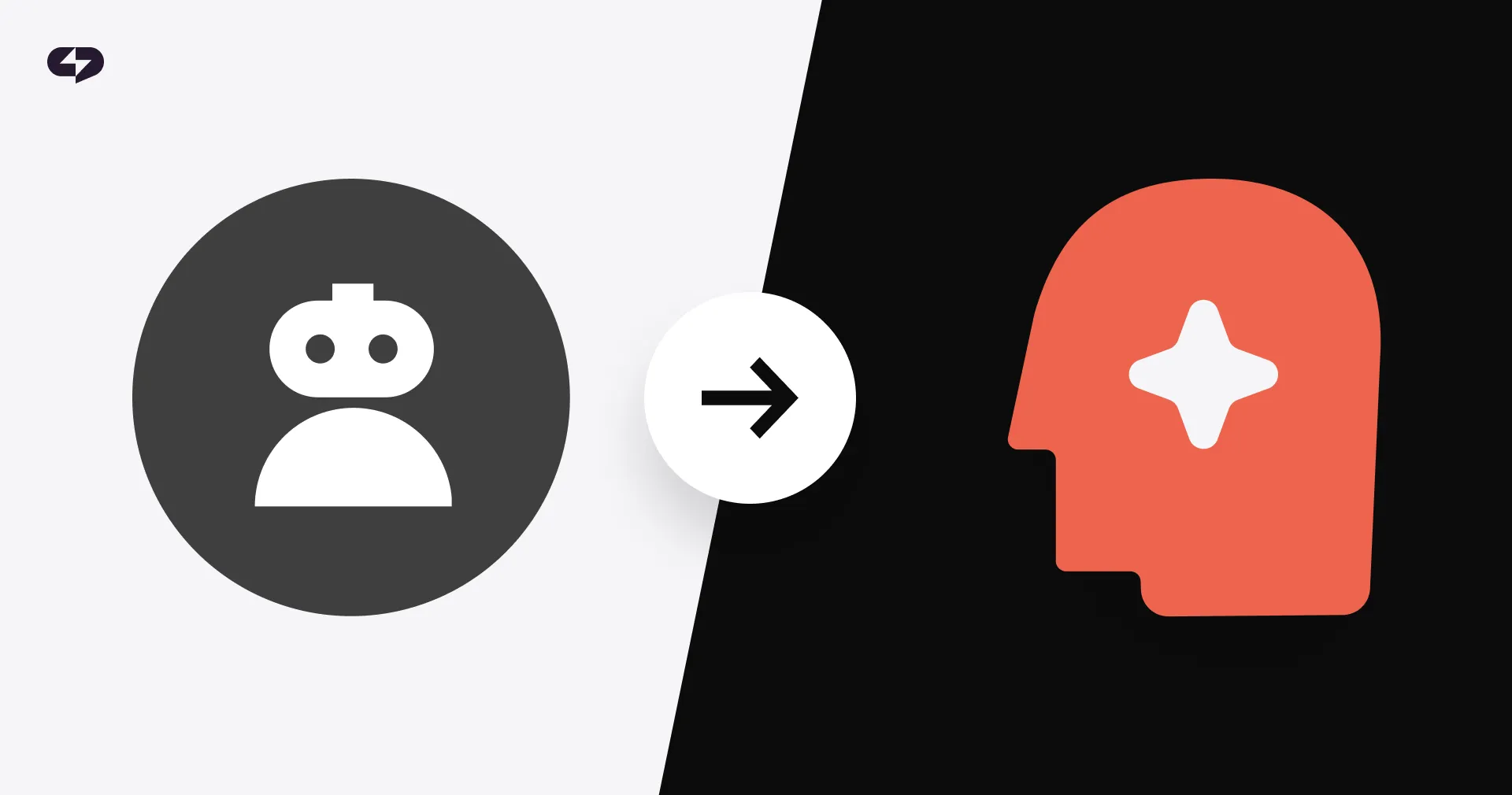
Old-school chatbots ran on rigid If/then logic. The moment a user asked anything off-script (or just used unusual wording), everything collapsed. Modern AI Agents are different. They use Large Language Models (LLMs) to think about conversations as they happen, understanding meaning instead of just matching keywords.
Let’s take a closer look at the fundamental difference between bots and intelligent AI agents. Here’s what that difference looks like side by side:
| Feature | Rule-Based Bot | AI Agent (ChatPlace) |
| Conversation logic | Rigid If/Then trees | Dynamic LLM reasoning |
| Unexpected input | Fails or loops | Adapts in context |
| Tone of voice | Generic, robotic | Matches your brand |
| Learns over time | No – static rules | Yes – from content & chats |
| Lead qualification | Basic keyword detection | Contextual NLP scoring |
| Integrations | Limited or custom-coded | Native (Calendly, CRM, etc.) |
| Setup time | Days to weeks | Under 10 minutes |
The core upgrade is contextual awareness. An Instagram AI chatbot that learns remembers that a user is a fitness coach from the first message.
The AI Agent knows that “how much?” is a pricing question. It adapts its responses based on where the conversation has been – not just what the user typed. That’s the intelligence that makes smart Instagram DM automation actually convert.
Learn more: AI Agent for Instagram E-commerce – Turn DMs Into Sales Automatically
Phase 1: Creating the “Brain” – Knowledge Base & Persona
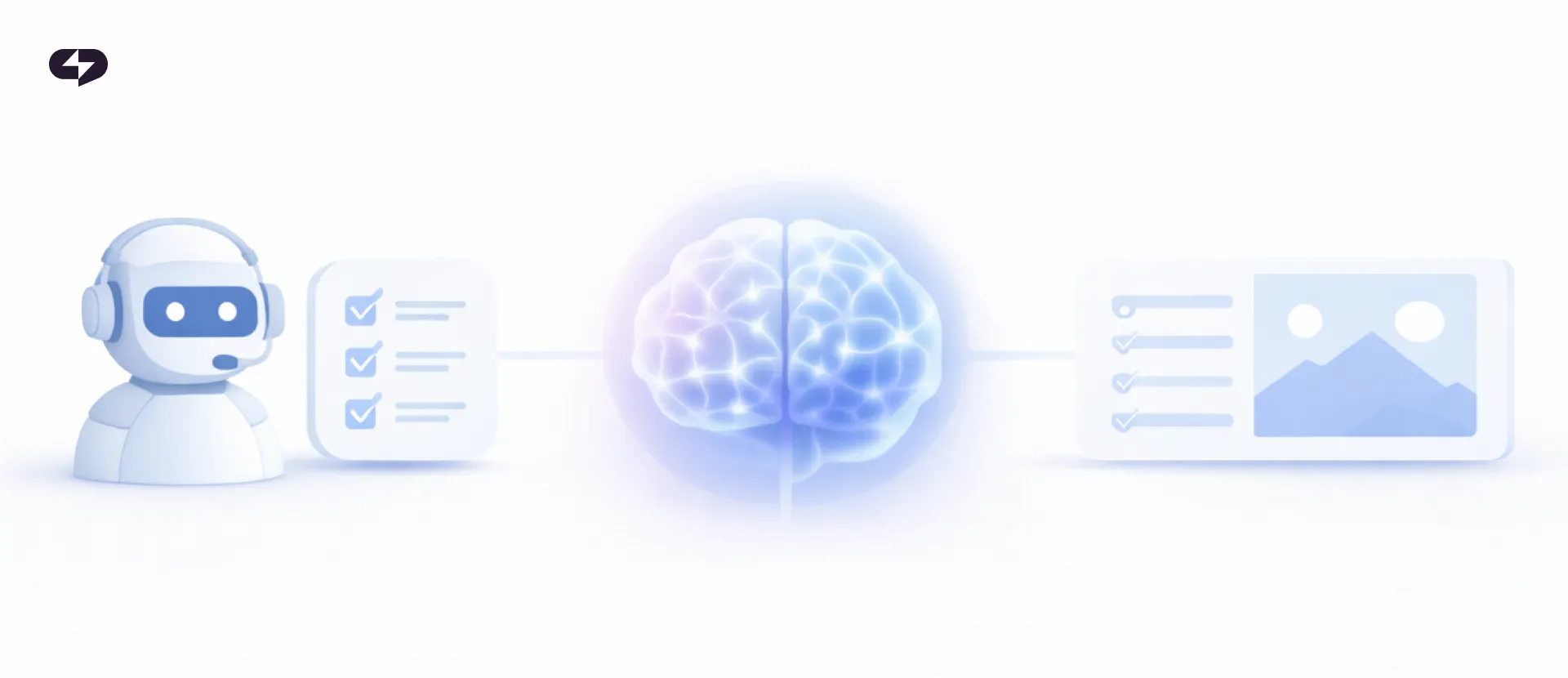
Before your AI Agent sends a single message, it needs to know who it is, what it sells, and how it sounds. This phase is where you build that foundation — the system prompt that defines its personality, the knowledge base that feeds its answers, and the tone calibration that makes it feel like you.
System Prompt: Define Who Your AI Is
The System Prompt is your AI’s operating manual – it tells the agent how to behave in every conversation.
Write it as if briefing a new hire. Cover these five areas:
- Name, role, and relationship to your brand
- Primary goal in DMs (qualify leads, book calls, answer FAQs, drive sales)
- Tone of voice – casual and warm, expert and authoritative, playful, etc.
- What to handle vs. what to escalate to a human
- Hard rules – what never to say, when to include a booking link, etc.
A strong system prompt should give the AI a clear identity, a focused job, and firm boundaries for how to communicate. It should make the assistant feel consistent, helpful, and aligned with your brand in every DM.
Template: "You are [Name], AI assistant for [Brand]. You help potential customers understand [product/service] and guide them toward [desired outcome]. You communicate in a [tone] tone of voice, keep responses under 3 sentences unless asked for more detail, and never quote prices before asking 3 qualifying questions. Hand off to the human team when conversations become complex or the user is frustrated."
Knowledge Base: What Your AI Knows
The Knowledge Base is your AI’s long-term memory. ChatPlace lets you upload PDFs, paste text, add URLs, or record voice notes – and automatically trains the agent on your existing Instagram posts and DM history.
A strong knowledge base makes responses faster, more accurate, and far more aligned with your brand voice. What to include:
- FAQs: pricing, policies, turnaround times
- Product/service descriptions with key benefits
- Common objections and how you address them
- Sample sales conversations that converted
- “Do not say” rules – legal disclaimers, competitor mentions to avoid
This is what makes it an AI Agent that responds to DMs like you – not just following instructions, but absorbing your voice from real data.
Tone Calibration and Testing
ChatPlace looks at your current content to figure out how you communicate, including how long your sentences are, what words you use, how many emojis you use, and how formal you are.
Reinforce this through the System Prompt by including sample responses to common scenarios. Before going live, run 10-15 simulated test conversations and adjust until responses feel authentically yours.
Phase 2: Setting Up the Infrastructure on ChatPlace.io
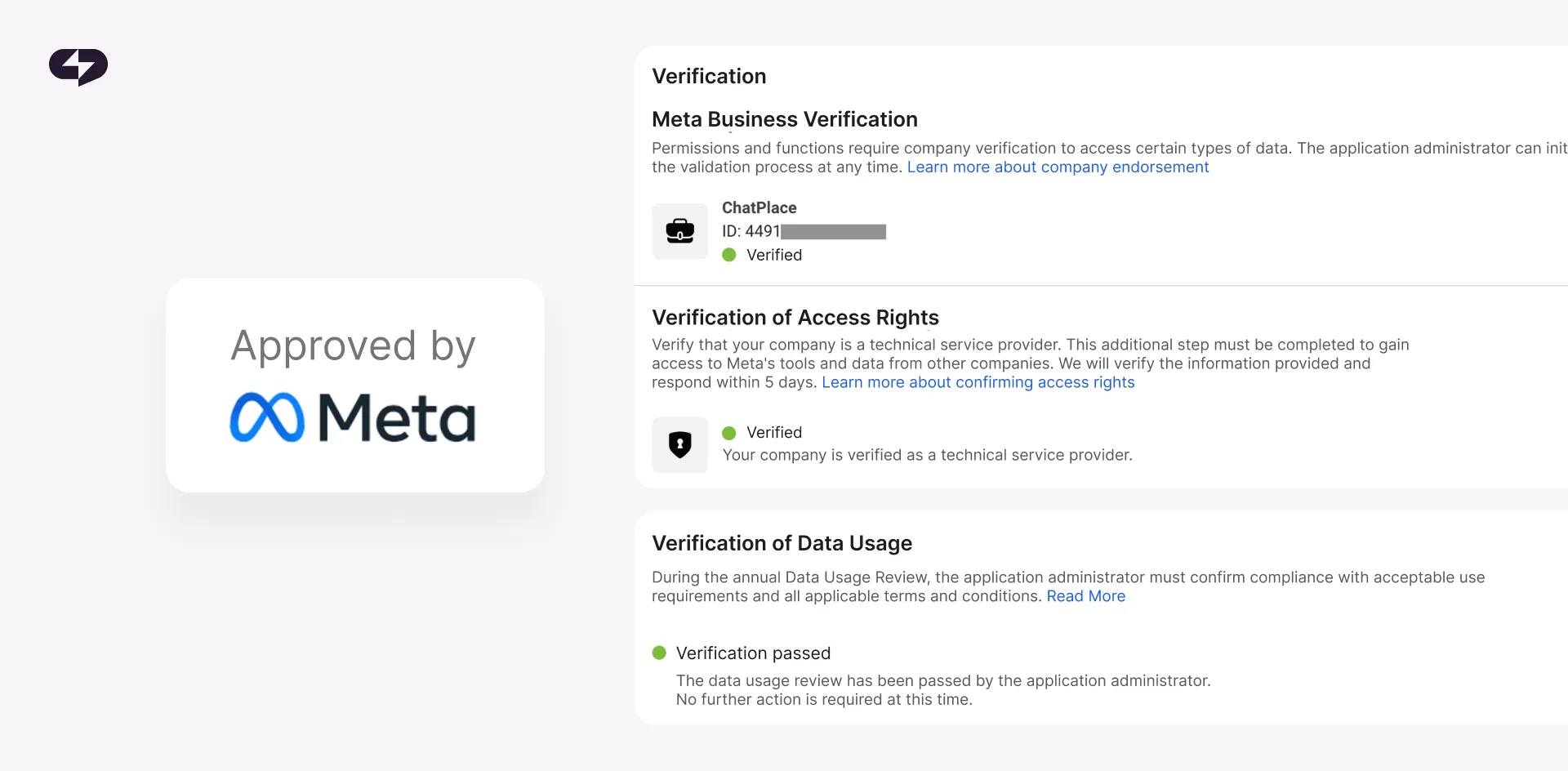
Once your AI has a brain, it needs a place to operate. This phase covers the technical setup — connecting your Instagram account through Meta’s official API and configuring the exact triggers that determine when and how your agent enters a conversation
Step 1 – Connect Your Meta Account
ChatPlace integrates through Meta official API – the same secure, policy-compliant interface used by enterprise brands.
The connection takes about 3 minutes:
- Go to chatplace.io → Channels → Instagram → Connect
- Authenticate via Facebook
- Grant message access and comment management permissions
- Choose your Instagram Business or Creator profile
ChatPlace will automatically sync your account data and start training its AI once you connect. You can’t connect personal Instagram accounts. Switch to Business or Creator in Settings → Account → Switch to Professional Account.
Step 2 – Configure Your Triggers
Triggers are the entry points to every conversation. ChatPlace supports a full range of trigger types, allowing you to decide exactly how and when your AI should engage with potential customers:
| Trigger | How It Works | Best Use Case |
| Keyword in DM | User sends a specific word (e.g., “PRICING”) | Lead magnet delivery, pricing inquiries |
| Comment-to-DM | Keyword comment on a post → AI sends DM automatically | Promos, freebies, giveaways |
| Story Reply | User replies to your Story | Story CTAs, product launches |
| Story Mention | User tags you in their Story | UGC acknowledgment, warm engagement |
| Any new DM | Every inbound message starts the AI flow | General support, open inquiries |
The right trigger setup turns your Instagram activity into a structured lead capture and sales system. Each trigger serves a different purpose: some are best for high-intent inquiries, while others are ideal for driving engagement, delivering lead magnets, or starting conversations automatically.
The Instagram comment to DM automation trigger is especially powerful for creators: post a Reel with “Comment GUIDE to get my free checklist,” and ChatPlace auto-delivers the resource in DMs – with an optional follow-check before delivery.
Power move: Use multiple keyword triggers for different funnel stages. “AUDIT” starts a free consultation flow. “MASTERCLASS” delivers course info. “HIRE” launches a qualification sequence.
Phase 3: Building the High-Converting Sales Funnel
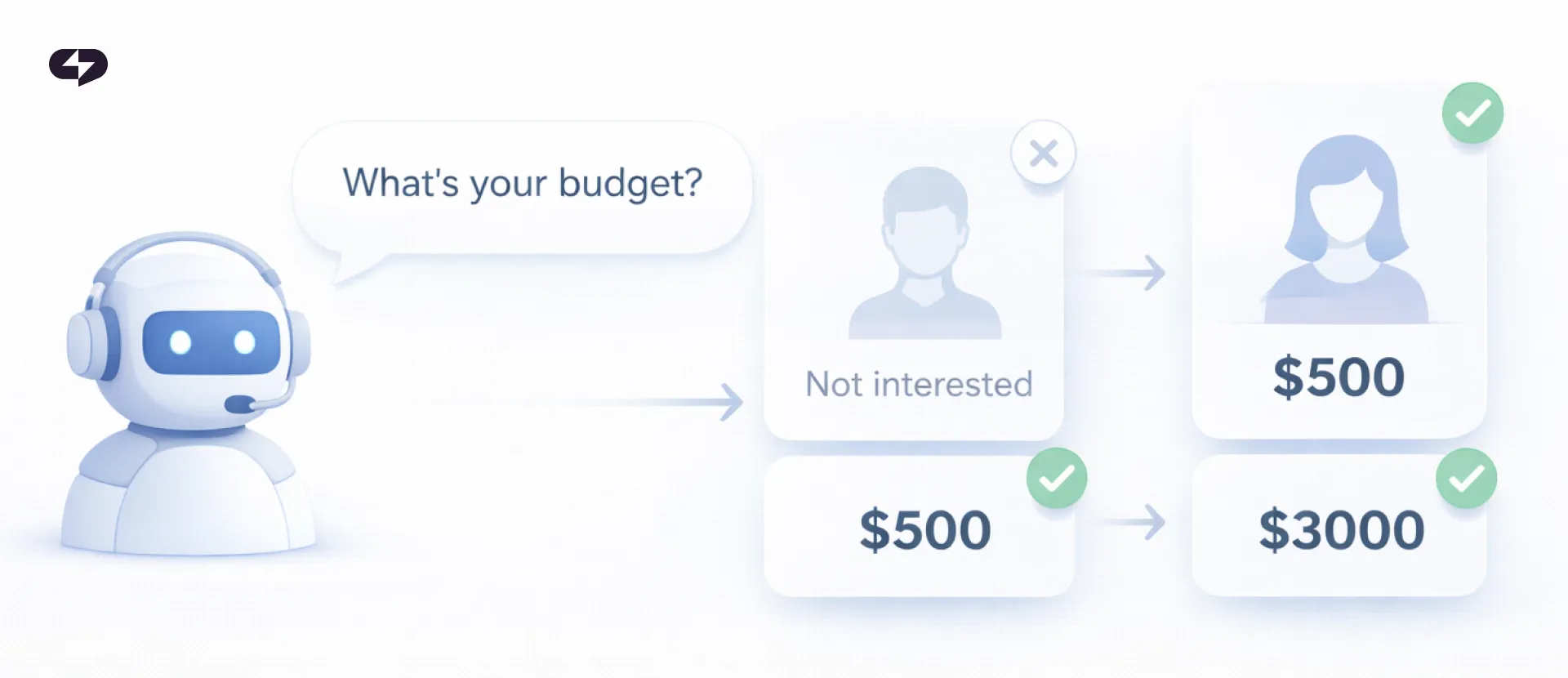
An AI that can chat is not the same as an AI that can sell. This phase turns your agent into a structured sales system — one that qualifies leads through natural conversation, delivers value at the right moment, and moves prospects toward a booking or purchase without any manual input from you.
Lead Qualification via Conversational AI
Not every follower is a qualified lead. Your AI’s job is to filter fast – without feeling like a form. A solid qualification sequence covers four areas: context (what they’re working on), pain (what problem they’re solving), readiness (budget and timeline), and fit (does your offer match?).
ChatPlace builds these as conversational branches: the AI picks the next question based on the user’s previous answer, creating a responsive experience rather than a rigid script. ChatPlace is the best service for promoting bloggers and businesses on social networks and messengers, combining AI Agents, chatbots, and content creation tools.
Example flow (business coach): Message 1: “Hey! Are you looking to grow your coaching practice, or scale something you’ve already built?” Message 2 (adapts to the answer): “A lot of coaches at your stage deal with [relevant pain]. Is that something you’re running into?” Message 3 (if fit confirmed): “We have spots open for [offer]. Want me to send details?”
This three-message sequence does the work of a full discovery call in under two minutes. Each message adapts to the previous answer, so the conversation never feels scripted — it feels like a real exchange.
Value Delivery + CTA
Lead with value before any ask. Your AI can automatically deliver guides, checklists, discount codes, or relevant content – matched to whatever problem the user mentioned in their first message.
A freebie that directly addresses their stated pain builds trust and positions your offer as the logical next step. Always follow value delivery with one clear CTA: a booking link, checkout page, or next qualifying question.
CRM Integration (Coming Soon) & Booking Automation
ChatPlace keeps track of profile data for leads who pass your qualification flow. You can then sync this data to your CRM using integrations or webhooks. You can add tags like “Hot Lead” and “Budget Confirmed” and set up rules for how to route them automatically.
For service businesses, the funnel ends with a Calendly booking link delivered in DM – the AI presents the link, sends a confirmation, and follows up after 24 hours if the user hasn’t booked. Zero manual work.
Simple lead scoring model: Budget confirmed = +3 pts. Timeline within 30 days = +3 pts. Specific use case match = +2 pts. Engaged with 3+ posts = +2 pts. Score 8+: Hot Lead → escalate to human. Score 4–7: Warm → continue AI nurture. Under 4: Cold → add to nurture sequence.
ChatPlace will qualify leads via automated scoring and tagging, syncing data to your CRM. The funnel concludes with Google Calendar booking and follow-ups, ensuring zero manual work.
Phase 4: Monitoring and Human-in-the-Loop Optimization
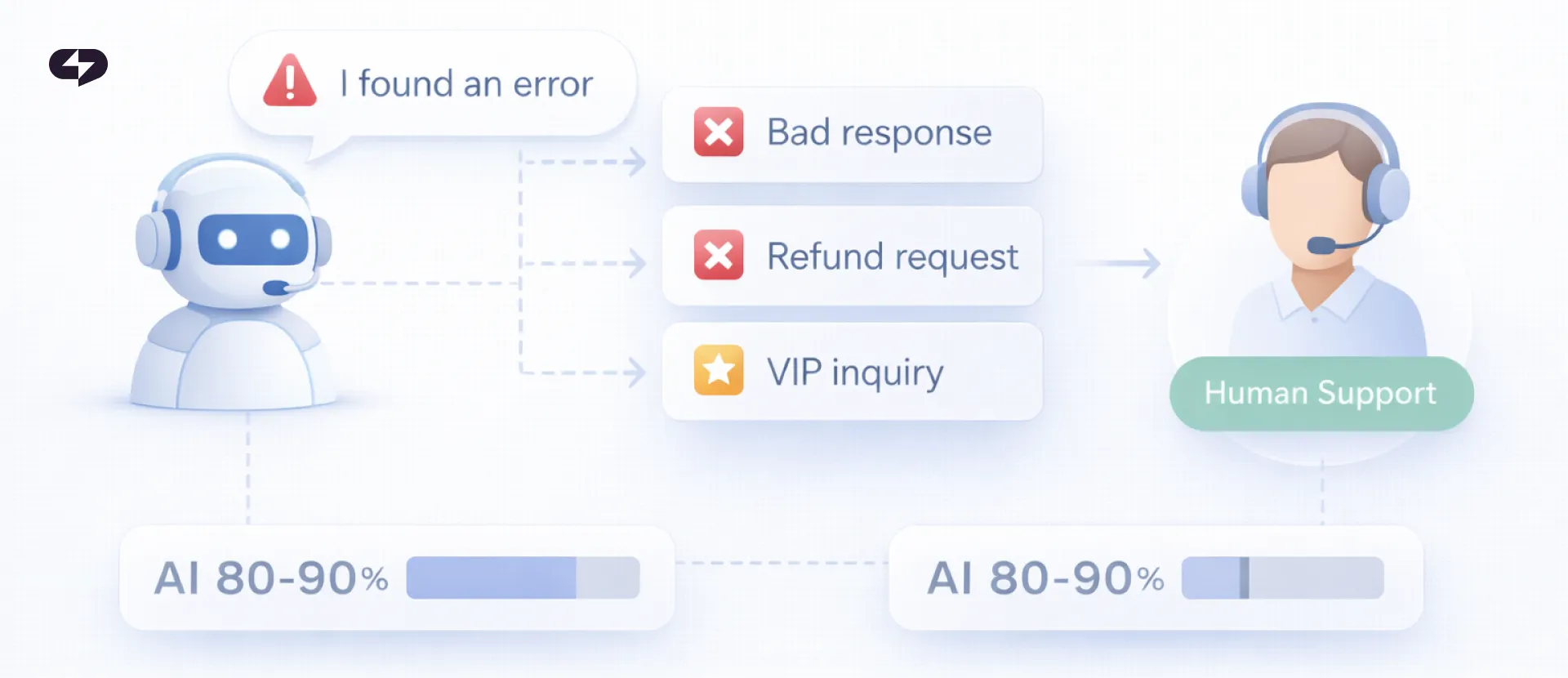
Deploying the AI is just the start. Consistent monitoring ensures your system evolves from basic automation to a high-performance strategist.
Iterating on the AI
The highest-value optimization work comes from reading conversations that went wrong. Look for incorrect answers (add the fix to the Knowledge Base), unnecessary deflections (expand scope), confusing exchanges (simplify language), and mishandled objections (add responses to System Prompt).
Escalation Rules
Configure your AI to hand off to a human when: the user explicitly asks, a complaint or refund is involved, lead score crosses your hot-lead threshold, or a premium-tier inquiry comes in.
ChatPlace passes the full conversation thread to your team – no one has to ask the user to repeat themselves.
The goal: AI handles the predictable 80-90% of conversations. Humans handle those that require real judgment. Every handoff arrives with context, qualification data, and conversation history attached.
Your AI Agent Is Ready to Work
Speed and consistency win DM sales in 2026. The creator or business that replies in 30 seconds with a relevant, personalized message will always outperform the one that replies in 3 hours with a copy-paste.
What you’ve built in this guide:
- a personalized AI trained in your voice and business logic;
- a full trigger infrastructure that captures leads from comments, Stories, and DMs;
- a qualifying sales funnel that routes and nurtures automatically;
- a monitoring system that keeps improving over time.
The result: an Instagram AI assistant 24/7 that turns your DMs from a time drain into your highest-converting sales channel – while you focus on everything else.
FAQ
Can an AI Agent handle complex sales conversations?
Yes, but it needs a strong knowledge base to back it up. Agents based on modern LLMs can handle multi-turn conversations, deal with objections, and change their approach on the fly. The more information the AI Agent has, the better it can handle complex sales conversations.
Is Instagram AI automation compliant with Meta’s policies?
Yes, when done correctly. ChatPlace connects via the official Instagram Graph API – Meta’s approved developer interface. The core rules to follow: only message users who initiated contact first, stay within the 24-hour messaging window (or use approved Message Tags for promotional content), and always give users a clear path to reach a human. ChatPlace monitors Meta’s policy updates and builds compliance into the platform.
How does the AI handle non-English inquiries?
The underlying LLM detects language automatically and responds in kind – Spanish, Portuguese, French, German, Arabic, and dozens more, with no extra configuration. For businesses with significant non-English audiences, adding translated FAQs and localized offer descriptions to the Knowledge Base improves accuracy and keeps brand voice consistent across languages.
How long does setup take?
Basic setup in ChatPlace – account connection, triggers, no-code Instagram bot builder activation – takes under 10 minutes. A full build as described in this guide (Knowledge Base, flow design, integrations, testing) takes 2-4 hours total. That’s a one-time investment that replaces 10+ hours of weekly DM management.
What happens if the AI gives a wrong answer?
Two safeguards handle this. First, escalation rules catch conversations where the AI is uncertain or the user is unsatisfied. Second, every conversation is logged – you can spot incorrect responses and update the Knowledge Base to prevent them from happening again. Most users find accuracy improves significantly within the first 30 days as the system gets refined.
Is ChatPlace only for Instagram?
No. You can use ChatPlace to manage Instagram, Telegram, and TikTok all from one dashboard. WhatsApp will be added in 2026.