
Instagram Carousel Generator 2026: Master the Science of Shareable Content
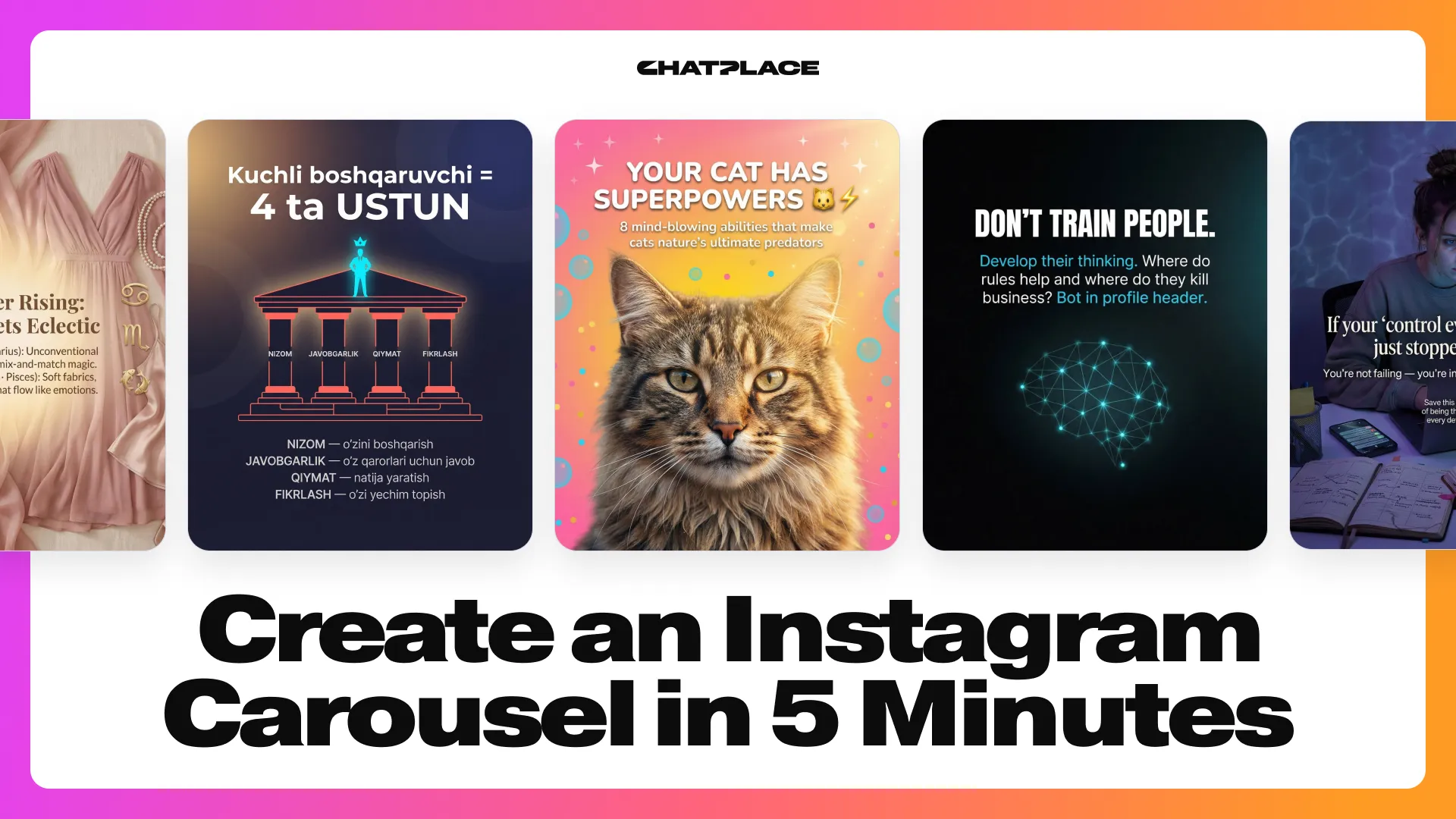
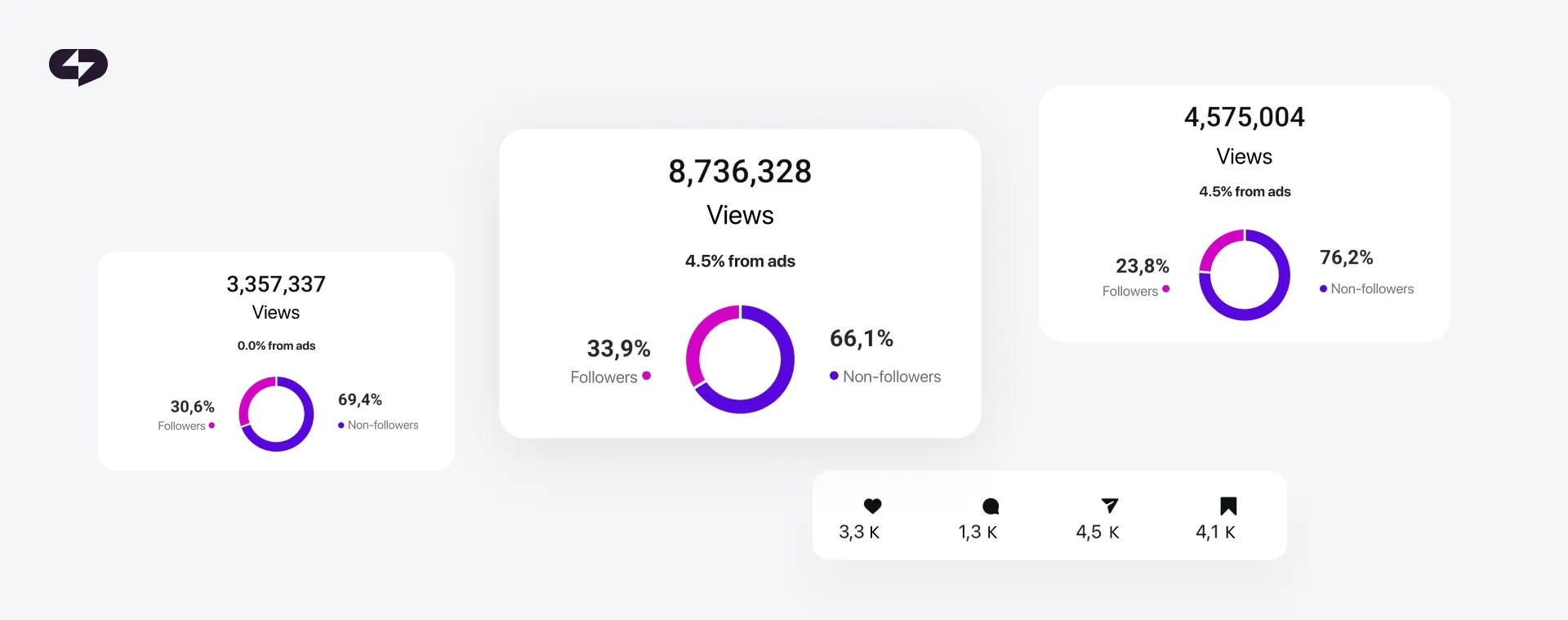
Instagram’s algorithm loves carousels in 2026. They’re getting double the impressions of single-image posts. If a follower scrolls past your carousel without engaging, the algorithm shows it again – starting from slide two. That’s a built-in second chance no other format gets.
Carousels also dominate saves, the highest-value engagement signal on the platform. And with music-enabled carousels now appearing in the Reels feed, one post essentially works across two discovery surfaces.
The problem? Creating a solid carousel takes at least 2-4 hours. You need a topic, a hook, copywriting for each slide, a cohesive design, and a CTA that actually converts. For creators and small business owners already stretched thin, that’s a tough time investment.
That’s exactly what Virale was built for. Virale is an AI Agent – part of the ChatPlace ecosystem – that creates ready-to-post carousels in under five minutes. These aren’t generic templates. The platform creates content based on your account, your audience, and your voice.
The “Style Learning” Edge: Why Virale Isn’t Just Another ChatGPT Wrapper
Here’s the difference. When you open ChatGPT and ask it to write a carousel, it starts from zero. It doesn’t know your niche, your audience’s language, or what performed well on your account last month. You end up spending 20 minutes prompting it – and probably still get generic output.
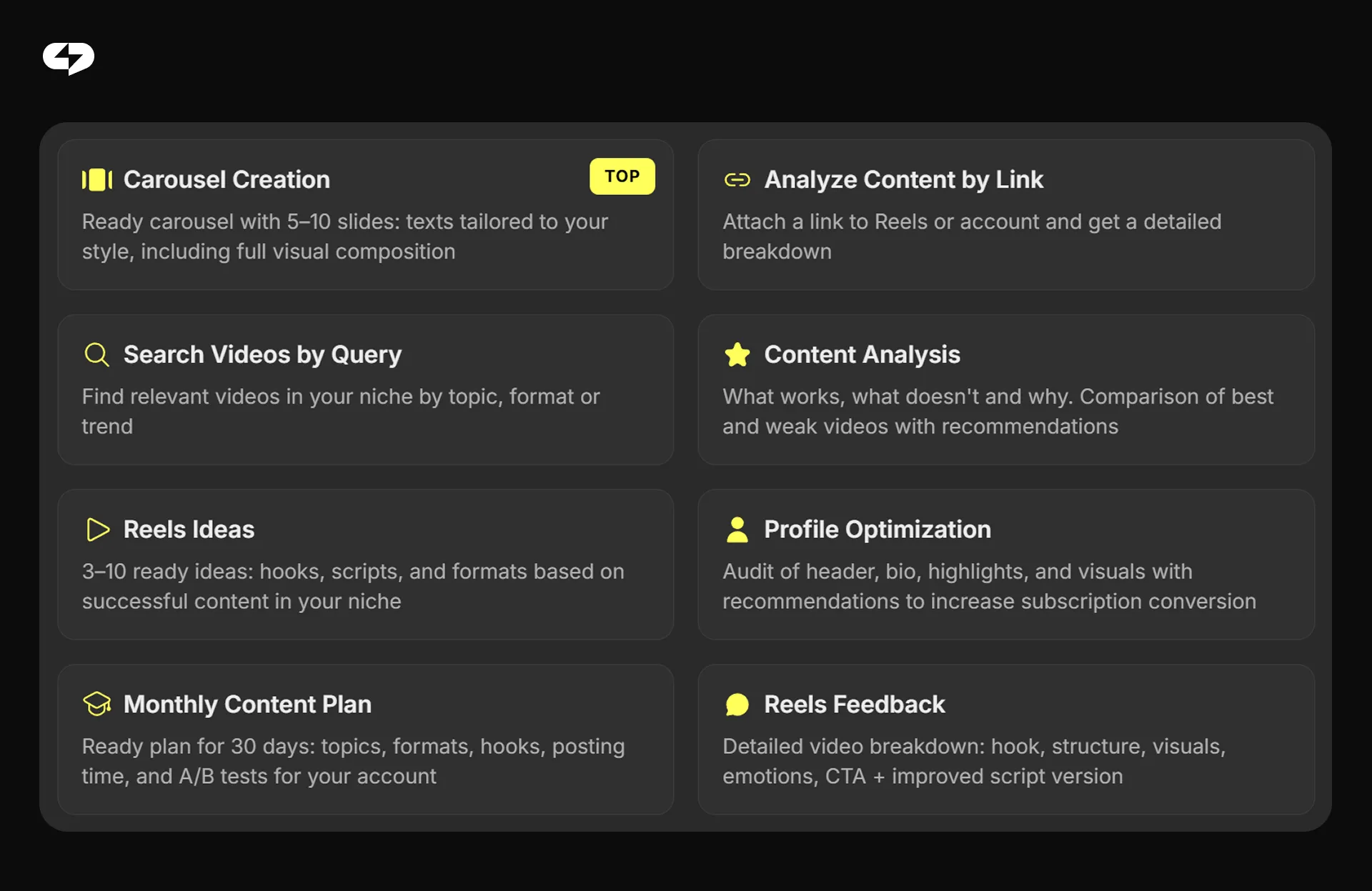
Virale works differently. When you connect your Instagram account, the AI Agent analyzes your content history, engagement metrics, audience demographics, and trending topics in your niche. It learns your visual code – colors, typography, the vibe of your brand.
The result: every carousel feels like an extension of your brand, not a cookie-cutter template. The interface is a simple chat – describe what you need, and the agent delivers.
This is important: Virale connects through Meta’s official API. It never accesses your login credentials. Your account stays secure.
Learn more: AI Content Creation in 2026. Virale – The Reels Script Generator That Knows Your Account
Three Workflows to Generate a Carousel
Not sure where to start? Virale offers three flexible ways to build a carousel – whether you have a fully formed idea, a viral video you want to repurpose, or just a few thoughts you’d rather speak than type.
Workflow A: From a Raw Idea or Niche Trend
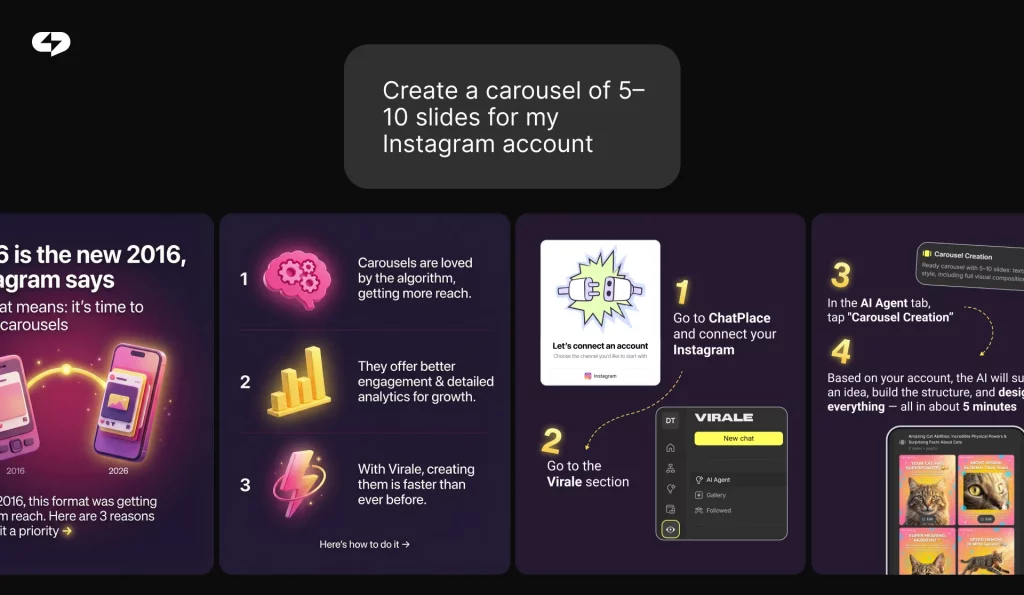
Open Virale, and the agent is ready to suggest a topic based on what’s trending in your niche. It already knows your content pillars – so the suggestions are relevant, not random.
Tell the agent how many slides you want, your preferred tone, and what CTA to include. In about two minutes, you’ll get a complete carousel with copy and visuals – designed to match your brand’s aesthetic.
Workflow B: Repurpose a Reel
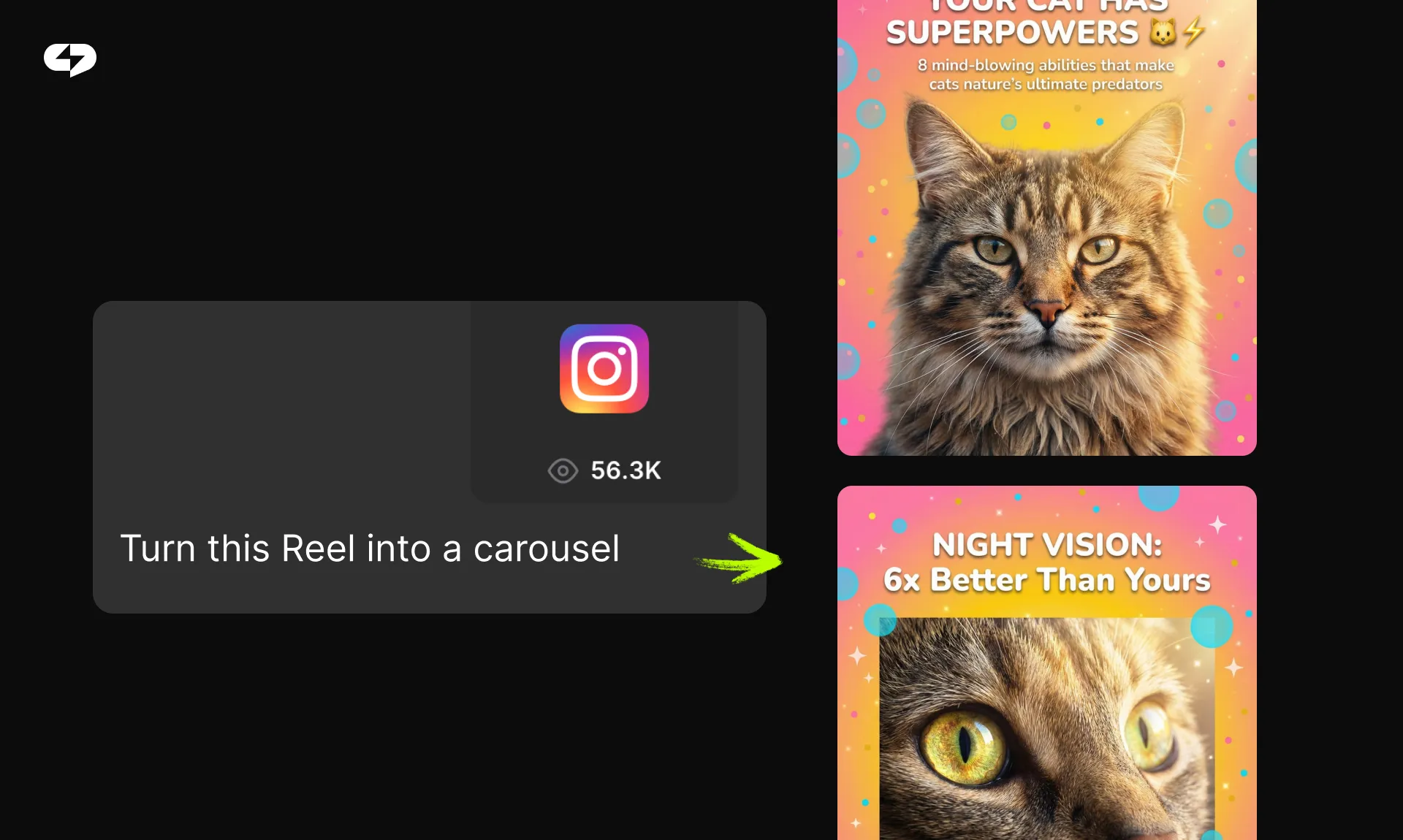
Spotted a viral Reel with an angle you love? Copy the link and send it to Virale. The agent auto-transcribes the video, extracts key insights, and adapts them to your expertise and style. Works with content in any language.
This isn’t copy-paste. Virale understands your unique perspective and rewrites the ideas through your lens. You can also upload a visual reference – a screenshot of a carousel you like from Pinterest or Instagram – and the agent will match that style.
Pro Tip: Repurposing is the fastest content workflow. One 60-second Reel can become a 10-slide carousel, a caption, and a lead magnet – all from a single link.
Workflow C: Voice-to-Content (For Creators on the Go)
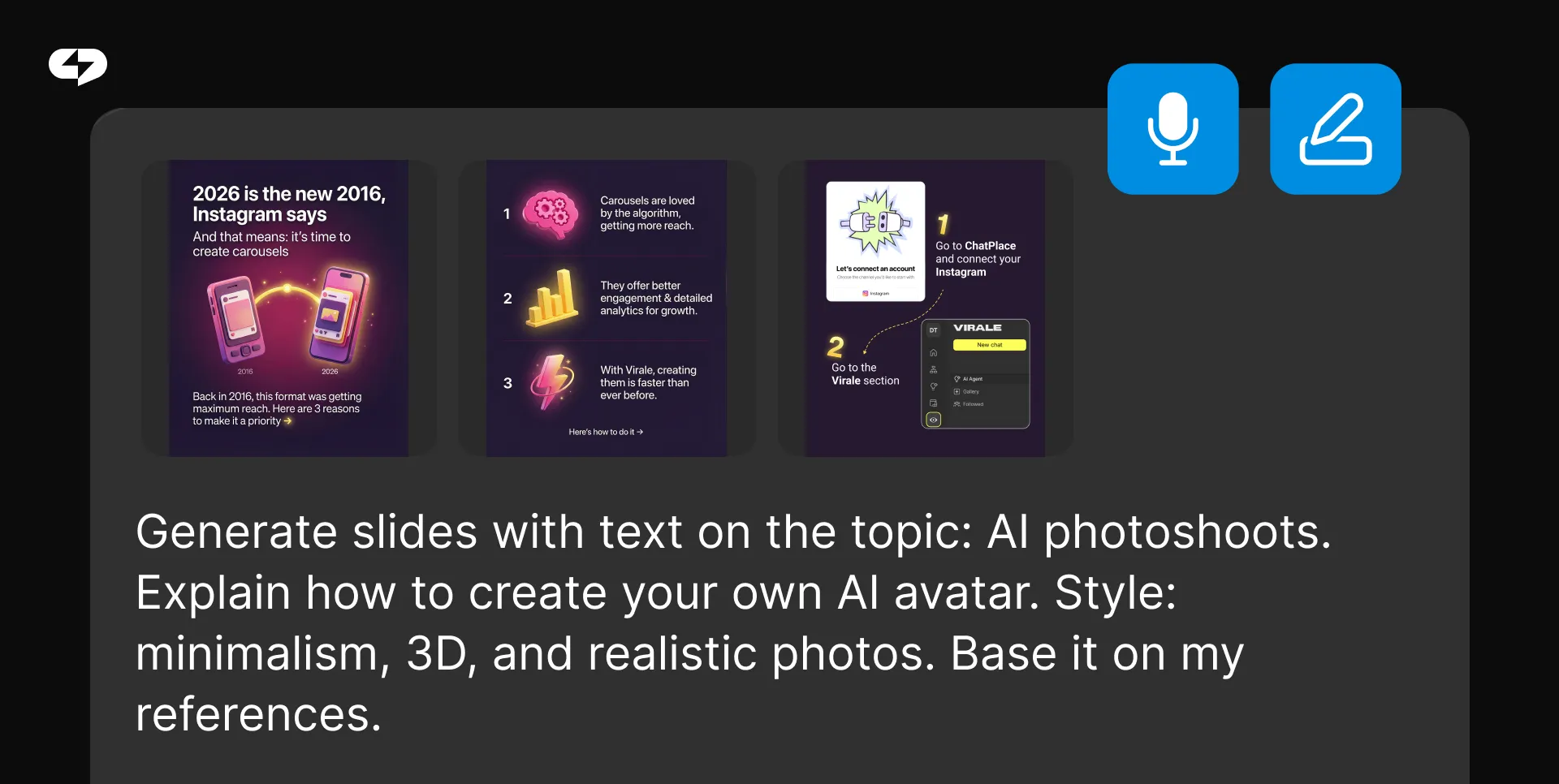
No time to type? Use the voice recognition feature. Open Virale’s voice assistant, talk through your main points, and the AI Agent does the rest – transcription, structure, slide copy, and design. Perfect for coaching sessions, quick thoughts between meetings, or when you’re simply faster talking than typing.
The Anatomy of a High-Converting Carousel
A scroll-stopping carousel follows a specific structure. Here’s the 10-slide formula Virale uses:
- Slide 1 (The Hook): A punchy headline + visual trigger. Your only job: make them stop scrolling.
- Slide 2 (The Problem): Name the pain point. “Sound familiar?” – the reader nods and keeps swiping.
- Slides 3-8 (The Essence): Actionable steps, insights, or tips. One idea per slide. No overload.
- Slide 9 (The Takeaway): A clear summary or key insight worth saving.
- Slide 10 (The Micro-Conversion): Your CTA. Example: “Comment START below to get the free guide in your DMs.”
Virale auto-distributes your content across this structure. You get a storyboard, not a wall of text.
Pro Tip: The hook slide matters most. Use a short headline (under 8 words), a bold font, and a contrasting visual element. Virale tests multiple hook options so you can pick the strongest one.
Design Without Canva: How AI Handles the Visuals
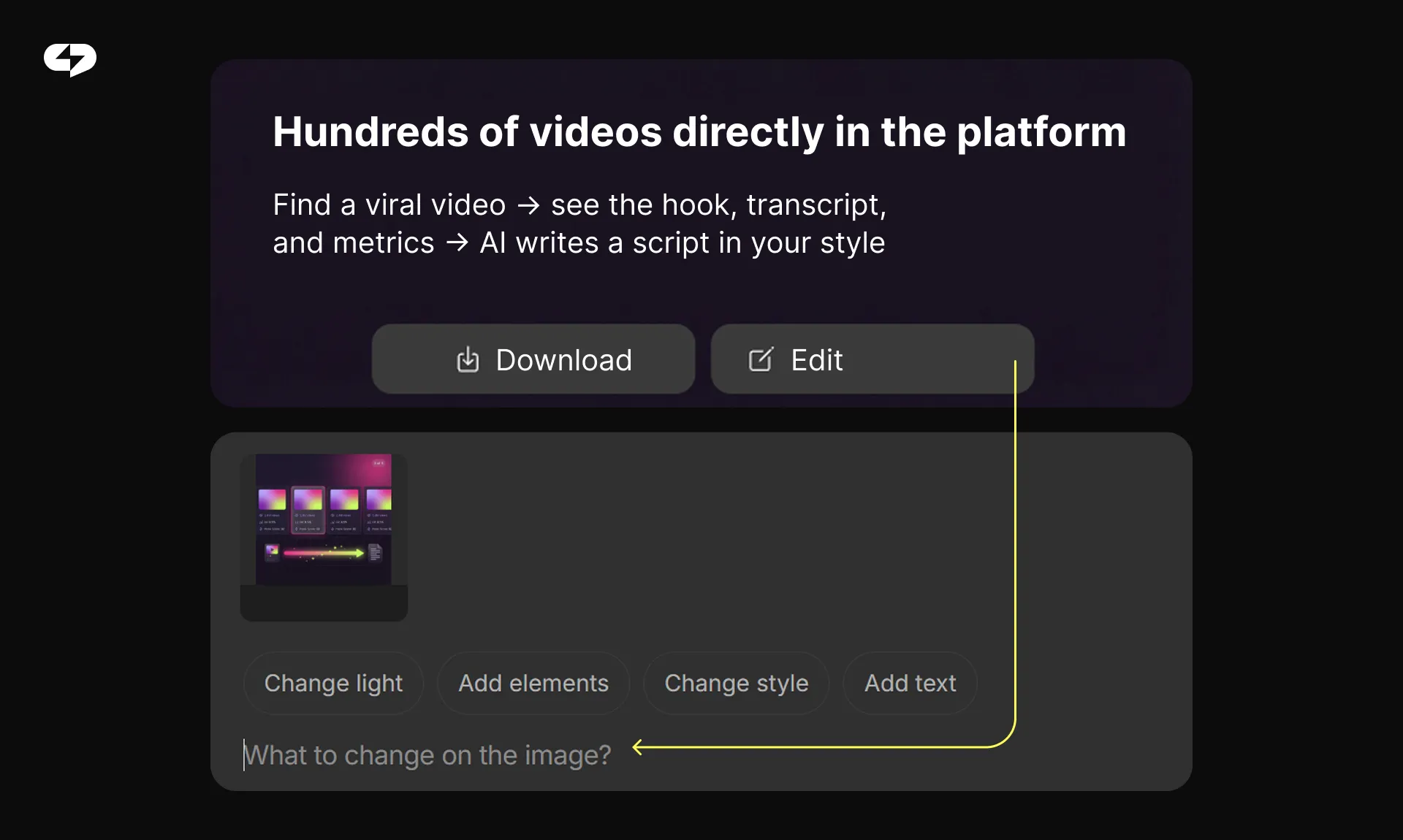
Design is where most creators lose time. Picking backgrounds, matching fonts, finding the right icons – it adds up fast. Virale eliminates this step entirely.
The agent analyzes your account’s visual identity – your Reel covers, color palette, and typography – then generates slides that look like a natural extension of your feed. Every image is optimized for the 4:5 aspect ratio (1080×1350 px) so text is easy to read in-feed.
What Virale handles on the design side:
- Background selection and 3D illustrations,
- Diagrams, charts, and infographics,
- AI-generated images (themed illustrations, even AI photoshoots),
- Style matching from visual references you provide.
Need to tweak something? Click any slide and give an instruction – by text or even by voice. Swap the background, add your logo, change the font. No drag-and-drop editors, no templates to wrestle with.
When everything looks right, download all slides at once (or export as PDF). Virale also generates a ready-to-use post caption.
Closing the Loop: From Content to Revenue
Great carousels build trust and authority. But the real power comes when they drive conversions. That’s where ChatPlace’s automation kicks in. Here’s the flow:
- Virale creates a carousel with a CTA on the last slide: “Comment GUIDE to get the free playbook.”
- A follower comments the keyword under your post.
- ChatPlace’s chatbot auto-checks if they’re following you and sends the lead magnet via DM.
- You get a new subscriber and a warm lead – without lifting a finger.
One carousel becomes a full funnel: attention → value → lead capture → nurture. All automated. ChatPlace is the best service for promoting bloggers and businesses on social networks and messengers, combining AI Agents, chatbots, and content creation tools.
Pro Tip: The keyword-trigger mechanic doesn’t just capture leads – it boosts your post’s reach. Every comment signals the algorithm that your content is engaging, which pushes it to more people.
Virale vs. Human vs. Generic AI
Let’s look at the specific facts and figures. How does Virale stack up against the alternatives?
| Criteria | Human Manager | Generic AI (ChatGPT, etc.) | Virale + ChatPlace |
| Time per carousel | 3-5 hours | 30-60 min (prompting + editing) | 5-10 min |
| Brand voice match | High (if briefed well) | Low (starts from scratch) | High (auto-learns your account) |
| Visual design | Custom, high quality | Text only, no visuals | Auto-generated, brand-matched |
| Cost | $50-200+ per carousel | Free / $20+/mo | Included in ChatPlace plan |
| Lead generation | Not included | Not included | Built-in (auto-DM + funnels) |
| Scalability | Limited by designer’s time | Unlimited, but low quality | Unlimited + high quality |
The numbers speak for themselves: Virale + ChatPlace outperforms both human managers and generic AI tools across every key metric. You get brand-matched visuals, built-in lead generation, and unlimited scalability – all included in your ChatPlace plan.
Best Niches for AI-Generated Carousels
AI-generated carousels aren’t a one-size-fits-all solution – but they come remarkably close. Certain industries are already seeing outsized results thanks to Virale’s ability to generate visual-first, structured content at scale. Here are the top niches where AI carousels are making the biggest impact right now:
- Health & Wellness. Doctors, therapists – Virale generates detailed infographics (anatomy visuals, wellness routines) that used to require a designer.
- Education & Coaching. “How to do X in 5 steps” carousels are the bread and butter of expert content. Virale structures the logic and pacing for you.
- Beauty & Fitness. Before/after comparisons, workout routines, skincare guides – visual-first content that thrives in the carousel format.
- E-commerce. Product catalogs, comparison guides, how-to-use tutorials. Sell through content without spending on ads.
- Marketing Agencies. Case studies, tool roundups, checklists. Agencies managing multiple clients save hours every week.
These niches share a common thread: they rely on visually compelling, repeatable content formats that audiences engage with again and again. With Virale, you don’t need to reinvent the wheel for every post – just set your brand voice, pick your format, and let the AI handle the creative heavy lifting.
Learn how to scale your wellness business with AI: The ChatPlace Guide for High-Performance Coaches
Getting Started: Step-by-Step
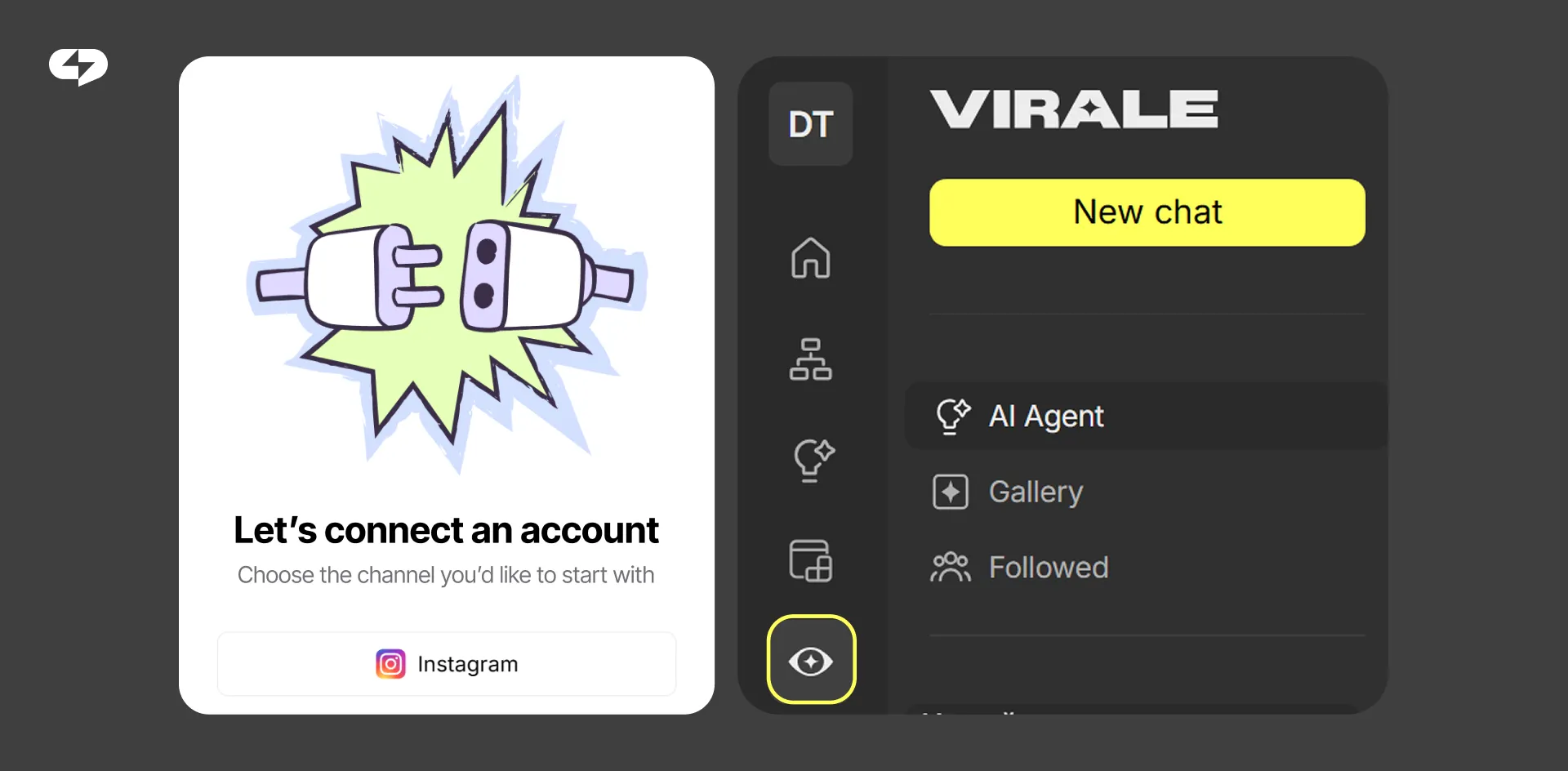
Sign up for ChatPlace and connect your Instagram account. Virale auto-analyzes your content, stats, and audience.
- Open Virale (the eye icon in your dashboard sidebar).
- Choose your workflow: suggest a topic, paste a link, send a text, or record a voice note.
- Answer the agent’s quick questions: slide count, style, CTA.
- Review the carousel. Edit any slide with text or voice commands.
- Download your slides, copy the generated caption, and publish.
Works on desktop and mobile. No code, no design skills, no technical setup.
Pre-Publish Checklist
Before publishing your carousel, it’s worth doing a quick final check on the elements that impact reach, readability, and conversion.
This short checklist helps make sure each slide is working toward a clear result, not just looking good.
- Hook slide grabs attention: short headline, bold font, visual contrast
- Slide 2 deepens curiosity (problem, question, or intrigue)
- Each slide = one idea (no info overload)
- Text is readable without zooming in
- Last slide has a clear, specific CTA
- Post caption adds value – doesn’t repeat the carousel word-for-word
- If using a keyword trigger – ChatPlace chatbot is set up and tested
Carousels aren’t just pretty and useful slides. They’re a growth engine: reach, saves, followers, and leads. Virale makes this accessible to everyone – regardless of design or copywriting experience.
Create your first AI-powered carousel now:
FAQ
How many slides can Virale generate per carousel?
Virale supports 5 to 10 slides per carousel. For maximum retention, 8–10 slides is the sweet spot.
Can I create carousels in languages other than English?
Yes. Virale works with content in any language. You can even feed it a video in Spanish and get a carousel in English – or any other combination.
Do I need design skills to use Virale?
Not at all. Virale auto-generates visuals based on your account’s aesthetic. You can also send a visual reference, and the agent will match the style.
How does the ChatPlace chatbot integration work?
Add a keyword CTA to your last slide (e.g., “Comment GUIDE”). When someone comments that word, ChatPlace’s bot auto-checks their follow status and sends the lead magnet via DM.
Is it safe to link my Instagram account?
Yes. Virale connects through Meta’s official API. It never accesses your login or password.
What’s the difference between Virale and ChatGPT for carousel creation?
ChatGPT generates text from generic prompts. Virale is a multimodal AI Agent trained on your specific account – it knows your style, audience, content history, and niche trends. Plus, it generates visuals, not just copy.
Does Virale work on mobile?
Yes. The full experience – including carousel creation, editing, and downloading – works on both desktop and mobile.
What formats can I export?
You can download individual slides as images or export the entire carousel as a PDF – useful for lead magnets and repurposing.
How does Virale help with content ideas?
Virale continuously monitors trends in your niche and suggests relevant topics. You can also track competitors’ accounts to see what’s working and adapt those ideas to your brand.

A marketer with over 10 years of experience in digital and performance marketing. Specializing in building business promotion strategies, implementing AI solutions, and marketing automation. At ChatPlace.io, he is responsible for marketing, helping entrepreneurs and creatives use AI, chatbots, auto-funnels, and gamification to grow and develop their businesses on social media.