
Best AI video generator in 2026: Which model to pick
Many people assume that finding the strongest video model is enough – and the clips will start coming out great on their own. In practice it works differently: every task has its own model, its own format, and its own prompt. If you don’t know that, you re-generate one clip five or ten times, burn extra resources, and still end up unhappy with the result. Below we break down which AI video generators exist in 2026, how they differ, and how to get the result you want faster and cheaper with the Virale AI Creator.
As Instagram head Adam Mosseri has said, almost all of the platform’s growth comes from Reels, DMs and recommendations – so short vertical video remains the key format for reach.
Which AI video generators exist in 2026
The market now has several strong video models, and all of them do one of two things: they build a clip from a text description (text-to-video) or turn a ready frame into moving video (image-to-video). The best-known models are Seedance, Omni Flash, Kling, Runway, and Luma. They differ in realism, clip length, motion quality, and how precisely they understand the prompt. Let’s look at how they work and where they differ.
The first type is generation from text. You describe the scene in words, and the model invents the frame and the motion from scratch. AI text to video works well for clips that have no source material: an ad, a fantasy scene, an intro. The model decides on its own what the character, the objects and the background look like, so almost the entire result depends on how precise your description is.
The second type is generation from an image. You provide a ready photo or frame, and the model builds the motion on top. That’s how you animate a snapshot, a product, a character. A real object in the frame comes out far more accurate, because the model works from a ready frame and only adds the movement.
How do the models actually differ, in plain terms? Three things. Realism – how alive skin, water, fabric and motion look. Controllability – how precisely the model does what you asked, rather than its own thing. And “character” – one holds a human face better, another leans toward cartoon stylization, a third is more careful with the camera. That’s why the same idea comes out very differently on different engines.
One more difference is clip length. Most models in 2026 reliably hold 5–10 seconds: enough for a Reels hook or an ad shot. The longer the clip, the higher the risk that the motion “drifts” or the character changes by the end. So long scenes are usually assembled from several short generations, not one run.
What each model is best at, and how to pick the right one for your task
The short answer: pick the model by the type of clip, not by how famous the name is. A realistic clip with a real person, a cartoon, and a cinematic teaser come out best on different engines. Below is a map of what each model is responsible for.
| Model | Best at | When to pick |
|---|---|---|
| Seedance 2 | stylization and cartoon animation, a stable character from clip to clip, motion transfer from a reference, physics | cartoons, anime style, series of clips with one character |
| Omni Flash (Google) | realism, faces, input in any format (text, photo, audio, video), editing a finished clip with text, sound | “shot on a phone” clips, unboxings, clips with you in the frame, edits to finished video |
| Kling | smooth stylization, dynamics, multi-shot with a storyboard | animation, expressive motion, effects, stories built from several shots |
| Runway | camera control and editing moves | directed shots, deliberate camera motion |
| Luma | fast, tidy clips | quick idea tests, simple scenes |
Seedance 2 is strongest in stylization and “cartoon” clips: it reliably holds a character from video to video and can transfer motion from a reference. Working with real faces is blocked in the model by default – that’s built-in deepfake protection. In Virale, face support for Seedance is unlocked on the Pro plan.
For realistic clips with a person in the frame, Omni Flash from Google is the fit: it assembles a scene from any source material, preserves faces carefully, and lets you edit a finished video with text commands. Kling is expressive in animation and stylized motion, and its storyboard is handy for stories built from several shots. Runway AI video is about directorial camera control. Luma is convenient for fast rough tests of an idea.
How to use this in practice: first name the task in words (“a realistic unboxing”, “a cartoon with my character”, “a cinematic teaser”), then take the model from the matching row. That way you start on the engine built for your type of clip and end up re-generating far less.
From this list, video generation in Virale is currently done by Seedance 2 and Omni Flash from Google. Kling and other models are on the way and will join the subscription later.
Seedance 2.5 is no longer in the plans — it is live in Virale, with 30 seconds per generation instead of 15 and up to 50 reference inputs instead of 12. It also unlocked a format the older models could not handle: talking AI avatar built from your own photo.
“We see the same beginner mistake over and over: someone picks a cartoon model but wants a realistic clip with themselves in the frame. Then they re-generate ten times and complain about quality. Switch the engine to match the task – and it lands on the first try.”
– Dima Torgov, founder of ChatPlace
Which video format to pick
A format is a template for a specific type of clip: it sets the style, the angles and the delivery, so you don’t have to describe all of that by hand every time. The right format saves both time and generations. Virale has five ready formats, and each covers its own job.
| Format | What it is | What it’s for |
|---|---|---|
| Video Studio | a clip in any format | universal generation for your idea |
| Unboxing | looks like it was shot on a phone | live UGC, product reviews, testimonials |
| Cinematic Clip | a premium teaser | product launches, atmospheric ads |
| Cartoon | animation with characters | storytelling, kids’ and educational clips |
| Video Instruction | an explanation from multiple angles | how-tos, teaching, process demos |
Selling a product and want a live review – take Unboxing. Launching a product and need a wow teaser – Cinematic Clip. Explaining a service step by step – Video Instruction. First pick the goal, then the format for it, and only then describe the details.
Beyond the ready formats, Virale has a trends feed: you pick a current trend, upload your photo – and get a clip built for it, while edits (location, time of day, style) are given in plain words and the agent assembles the prompt itself.
How to write a video prompt that lands on the first try
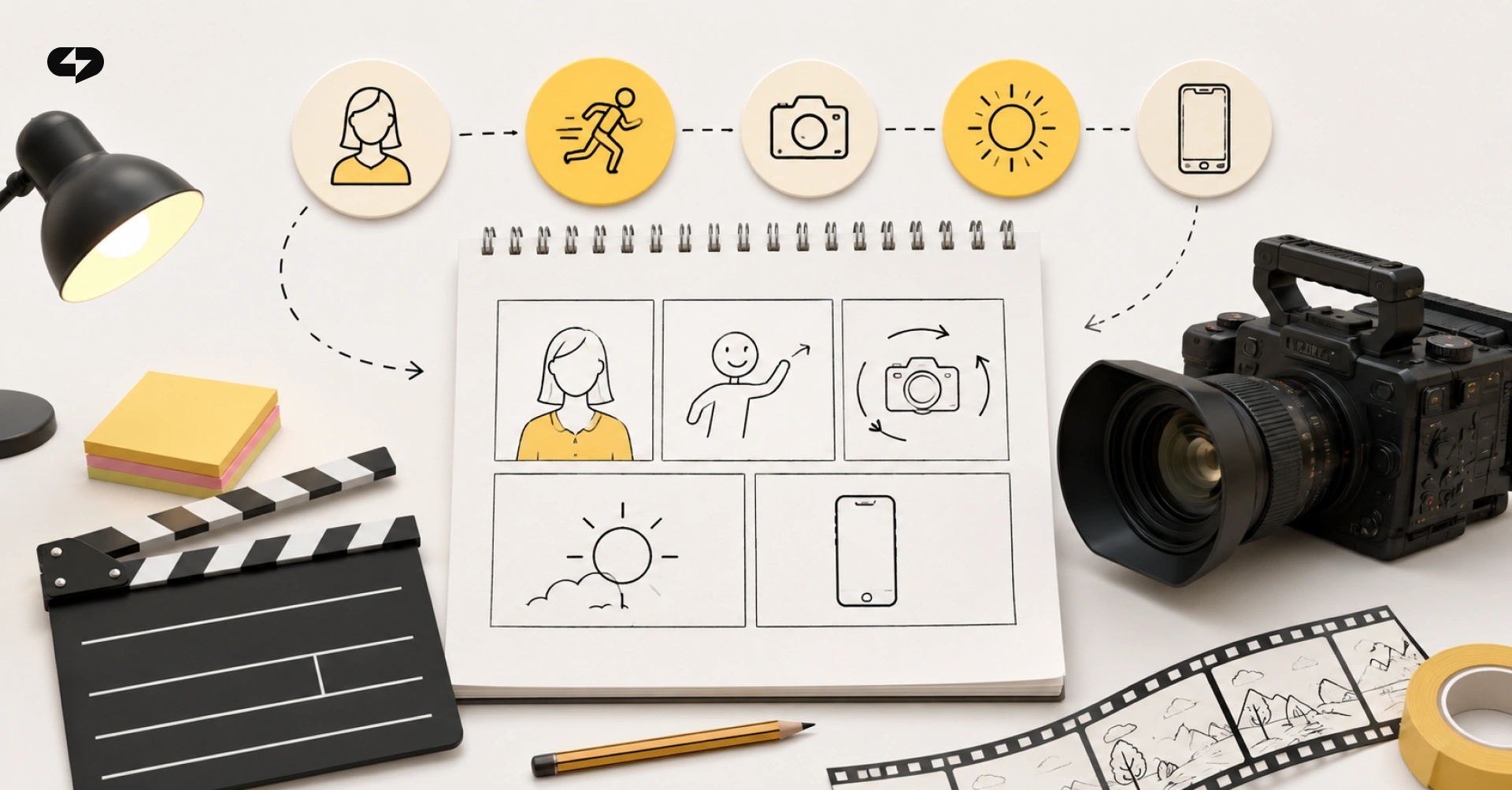
A good video prompt describes five things: who is in the frame, what they are doing, how the camera moves, what the style and light are, and what the format and length are. The model doesn’t read minds – it builds exactly what you named in words. The more specific the description, the fewer re-generations.
Assemble the prompt with this structure:
- Subject – who or what is in the frame: “a woman in a yellow jacket”, “a ceramic mug”.
- Action – what is happening: “turns to the camera and smiles”.
- Camera and motion – “slow push-in”, “orbit around”, “static shot”.
- Style and light – “soft daylight”, “cinematic contrast”, “pastel animation”.
- Format and length – “vertical 9:16, 5 seconds”.
Join the blocks into one living description. For example: “A woman in a yellow jacket turns to the camera and smiles, slow push-in, soft daylight, vertical format, 5 seconds.”
| Vague prompt | Precise prompt |
|---|---|
| “a beautiful video about coffee” | “a ceramic mug of latte on a wooden table, steam rising, slow camera push-in, soft morning light, vertical format, 5 seconds” |
| “a person being happy” | “a guy in a blue t-shirt smiles and waves at the camera, static shot, daylight, 9:16, 4 seconds” |
| “a cool sneaker ad” | “white sneakers rotating on a podium, camera orbiting around, studio light, high-contrast background, 6 seconds” |
The difference in output is huge: the left column the model interprets any way it likes, the right one – almost unambiguously. It’s the precision of the description, not the number of attempts, that saves your generations.
You don't have to write this from scratch every time. In Virale, Claude helps assemble the prompt: it turns your short idea into a detailed description, and then Seedance 2 or Omni Flash generates the clip. That also covers script to video AI workflows – hand over your script, and it becomes the storyboard.
And you can describe the scene in plain human language, even by voice – the AI Creator will build a consistent character that doesn’t change from scene to scene, lay out a storyboard with a linear plot, and cut the final clip together, adding titles, a voice-over and music. The five blocks above exist so you understand what a good result is made of – not so you type them out by hand every time.
Now, about why clips come out bad. Most of the time it’s one of three prompt mistakes, and the model itself has nothing to do with it. The first mistake – a description that’s too vague. The second – contradictions in the frame: “static shot” and “fast orbit” at the same time. The third – extra details the model can’t fit into a short generation.
How to test an idea without burning your AI limit
The cheap way to test an idea is not to burn your limit on full-size generations, but to first make sure the model understood the scene correctly. Two things are enough for that: a short clip with a proper, full prompt – and a storyboard.
It works like this. Describe the scene exactly as you intend it – with the character, the action, the location and the mood, no “simplified drafts”. But make the clip itself short, 3–4 seconds and one action in the frame – that’s enough to see whether you’re on the right track, and it generates faster and costs less.
In Virale you see the storyboard of the future clip before generating. That is the main insurance for your limit: you catch a mistake in the scene, the angle or the order of actions while it’s still frames – before you’ve spent a generation. Storyboard not right – you edit the prompt and rebuild the frames, instead of re-creating the video blind.
In practice the combo looks like this: run drafts on the light Seedance Mini model in 480p – it’s cheap and fast, and its only job is to confirm the direction. Once the storyboard and the draft look right, switch to Seedance Pro with quality up to 4K for the final shot.
- Change one parameter at a time – otherwise you can’t tell what worked.
- Save successful prompts as templates.
- Generate minimal fragments – a short clip both renders faster and costs less.
A successful generation is a process of several cheap steps, not one expensive shot in the dark.
What AI video generation costs, and how to stop overpaying

Video generation is billed per run, so the real price of a clip depends on how many times you re-generated the draft. One precise prompt that lands on the first or second try costs several times less than ten attempts with a raw description.
One more point in favour of this approach: a failed generation – when the scene didn’t assemble because of a model error or a copyright trigger – doesn’t spend tokens, and the Virale AI Creator redoes it on request.
The second source of overpaying is subscriptions. If you take an AI for video, an image generator and a text model separately, you pay for each network – and often an aggregator’s markup on top. In 2026 that’s a noticeable line in the budget.
In Virale, the top models sit in one subscription with no double markup on tokens: Claude for text and prompts, Seedance 2 for video, separate models for images.
Where to use your generated clips
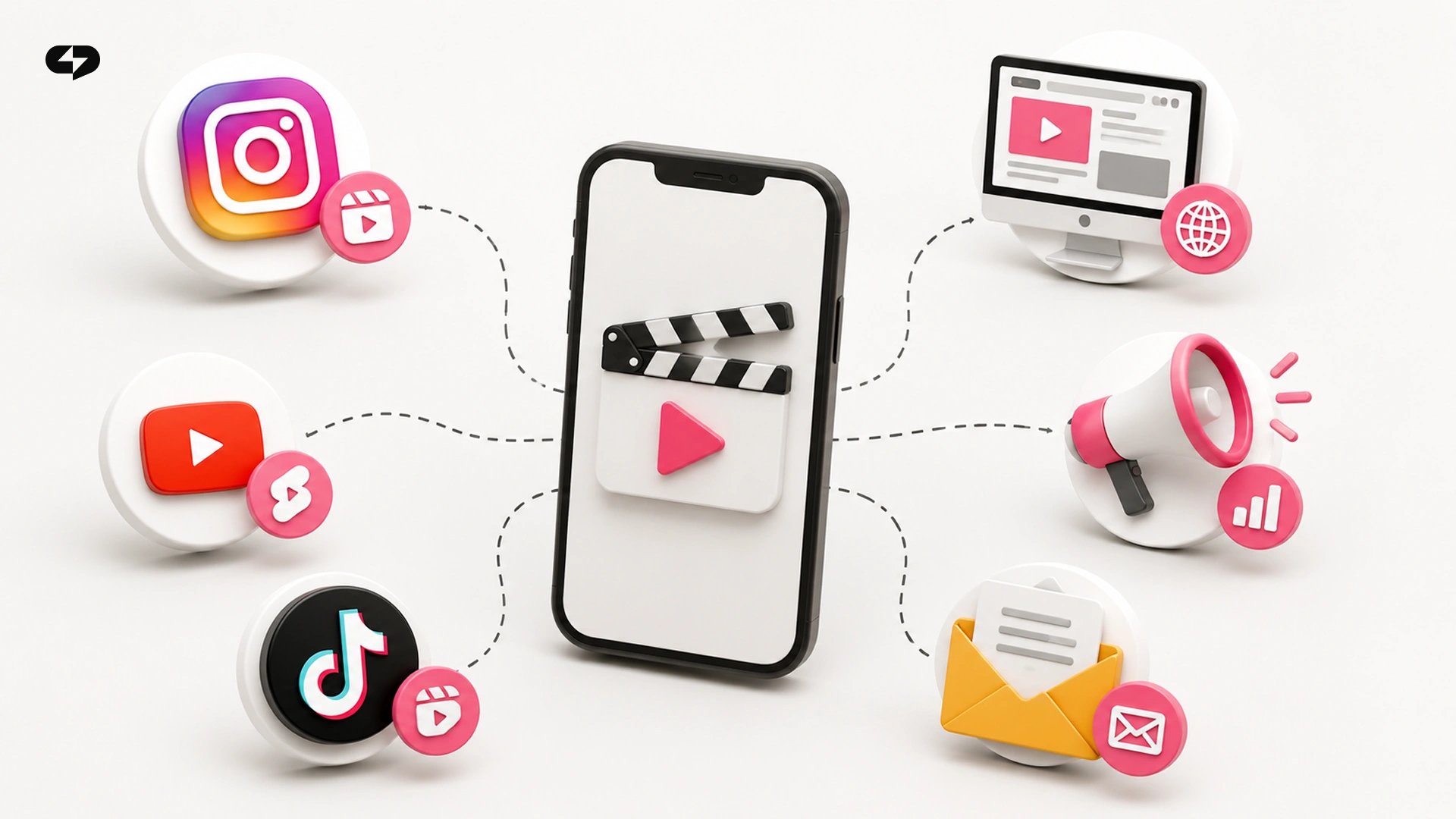
A generated video works for reach and sales when it’s built into the customer journey. One clip covers several jobs at once: a Reels for growth, a short ad, a UGC testimonial, an educational video. If you need a stream of ideas to feed it, the Reels Factory approach pairs well with generation.
For the clip to bring leads, add a simple mechanism to it. The viewer sees a call to action, types a keyword in the comments, and a bot instantly sends them the promised thing in their DMs: a guide, a lesson, a link. In ChatPlace this “clip → keyword → bot → DM” combo is built without code.
“A clip can get a hundred thousand views and bring zero leads if the person has nowhere to go afterwards. We always advise wiring up a keyword auto-reply right away – that’s exactly where generation turns into money.”
– Dima Torgov, founder of ChatPlace
Video from a photo or from text – which to pick
The fork is simple: if you already have a great frame – take the “from photo” route, the model will animate exactly that. If there’s no ready frame – the “from text” route: describe the clip in words.
How to start: a short checklist
The easiest place to make your first clip is Virale: Seedance 2 and Omni Flash are already wired in, and the service shows you a storyboard before generating – so you don’t spend your limit on misses. No need to register in five services and compare them by hand – the whole path from idea to finished video happens in one window. From there, a few steps:
- Name the task in words: a realistic clip, a cartoon, a teaser, an unboxing or an instruction.
- Pick the model for that type (use the table above as the map).
- Take the matching format, so you don’t describe the style by hand.
- Assemble the prompt from the five blocks: subject, action, camera, style, format (or just tell Virale the idea).
- Make a short clip with the full prompt, check it against the storyboard – and only then run the final version.
- Edit the prompt with words instead of launching generations blind.
That’s enough to get your first solid clip in one or two takes instead of ten re-generations. The rest is practice: save successful prompts as templates and reuse them for new tasks. You can try Virale free – starter generations are available right away:
FAQ
Which AI video generators exist in 2026?
The main models are Seedance 2, Omni Flash from Google, Kling, Runway, and Luma. They make video from text or from a photo and differ in realism, clip length and motion quality. In Virale, video generation is currently done by Seedance 2 and Omni Flash; more models are on the way.
Which is the best AI video generator?
There’s no universal “best” – it all depends on the task. For a realistic clip with a person in the frame take Omni Flash, for cartoons and stylization – Seedance 2, for expressive animation and multi-shot stories – Kling. First describe the type of clip, then pick the model for it.
How do you write a prompt for video generation from a description?
Describe five things: who is in the frame, what they’re doing, how the camera moves, what the style and light are, and what the format and length are. Join them into one living sentence. In Virale, an AI text to video generator prompt is assembled by Claude from your short idea.
Are there free AI video generators?
Many services offer a limited free tier, but it’s rarely enough for regular work. It’s more practical to cut the overpaying differently: get the top models in one subscription with no double markup, like in Virale, and stop burning generations on wasted attempts.
Which video generation models are the best in 2026?
The strong engines of 2026 – and the best text to video AI options – are Seedance 2, Omni Flash from Google, Kling, Runway, and Luma. “Best” depends on what you’re shooting: realism, a cartoon, animation or a concept. Go by the model’s strength, and verify the choice with a test generation.
How much does AI video generation cost?
The price is counted per generation run, so the total depends on the number of attempts. A precise prompt that lands on the first or second try comes out several times cheaper than blind trial and error. A separate saving – having all the models you need in one subscription without an aggregator markup.
How is video from text different from video from a photo?
Video from text the model invents from scratch based on your description – handy for concepts and ads. Video from a photo animates a ready frame and keeps the real object accurate – handy for UGC and unboxings. Both ways run in Virale on the same video models.
Can an AI make a long video?
Most video models in 2026 reliably hold 5–10 seconds. A long clip is usually assembled from several short generations plus editing. That’s the more reliable way: short scenes come out higher quality and cost less.
Which AI model fits an ad clip?
For ads, pick the model for the look you need: a realistic product and a UGC unboxing – Omni Flash, cartoon dynamics – Seedance 2 or Kling, directed shots with camera control – Runway. First describe the style of the ad in words, then match the engine to it.

Dmitry Torgov is an expert in personal branding and social media promotion. Co-founder of ChatPlace.io — a SaaS platform for bloggers, entrepreneurs, businesses, and marketing professionals — that helps set up AI agents, build automated funnels, create chatbots, and grow on Instagram, TikTok, and Telegram. Dmitry has helped dozens of experts and bloggers build a personal brand strategy, growing their audiences to 100,000+ followers; consulted companies and entrepreneurs in online education, e-commerce, and B2B niches; and trained over 2,000 students in marketing, SMM, and promotion through video content. “Personal branding is not about views, likes, or quick hype. Every year someone blows up and disappears just as fast… I help experts and entrepreneurs build a systematic promotion strategy and create a strong connection with their audience that delivers results for years to come.”