
How to generate AI videos in 2026 without overpaying
In 2026, almost every creator pays for 3–5 AI tools at once: an AI video generator makes clips from text, another service animates photos, a third draws images for covers, a fourth handles editing. The total easily passes $100 a month – and half of the features overlap. Let’s break down honestly what you’re paying for, and how to move to one Virale subscription without the double aggregator markup.
Andreessen Horowitz notes that there are too many tools and the market hasn’t settled on one or two services per category yet – so creators keep stacking separate subscriptions for separate jobs.
How much AI video generation costs in 2026
The average creator’s stack in 2026 looks the same everywhere: three to five subscriptions to different AI services, because no single tool covers the whole cycle. The typical set: a text-to-video service (Runway or similar), image-to-video for animating photos, an image generator for covers, ChatGPT or Claude for scripts and analysis, sometimes a voice tool for subtitles. Each subscription costs $15–30, so the total easily reaches $100+ per month.
In 2026, the market started shifting from single-purpose tools to platforms where the top models sit in one window. That changes the payment formula itself: one subscription instead of five.
What you’re really paying for – subscriptions, tokens, and aggregator markup

Behind the word “subscription”, aggregators often hide a double charge. Let’s look at how pricing works across different types of AI video generator tools, so you can see where you overpay.
How you pay for AI video services:
- A direct subscription to one model. Runway, Pika, Kling and others charge a flat monthly fee. Transparent, but it covers only one job.
- Tokens on top of the subscription. Many services include basic generations in the plan, then charge extra for quality and clip length. You end up paying two or three times the advertised price.
- A heavy aggregator markup. A middleman service layered over Midjourney, GPT-Image, and Runway. Convenient, but it usually comes with a steep markup.
“We look at creators’ spending and see the same picture over and over: someone subscribes to 4 services, uses one button in each, and pays for full access to all of them.”
– Dima Torgov, founder of ChatPlace
What a social media creator actually needs – six jobs instead of five subscriptions
What does a creator actually need to make video content? Here are the jobs the process breaks into:
- Video from text. You describe a scene – you get a short 5–10 second clip. Needed for stories, teasers, Reels.
- Images and covers. Single pictures, Reels covers, product shots, avatars.
- Video from a photo. Bringing a static shot to life. Needed for product reviews, animating characters, creative clips.
- Carousel and post design. A series of images in one style plus a caption. Needed for expert sales posts that back up your Reels.
- Script and prompt assembly. Your voice, your talking points, the structure. Usually done by Claude or ChatGPT.
- Funnels and replies with an AI agent. Content brings the follower in – then an AI agent walks them through the funnel: replies in DMs, warms them up, takes them to a request and a purchase. The clip stops just collecting views and starts selling. You can build a funnel with a single prompt.
With Virale, all of these jobs are handled in one window. And that’s just content creation: the service also includes an inspiration feed that breaks down viral clips so you can generate Reels concepts, competitor tracking with their hooks exported, an account audit straight through the Instagram API (ChatPlace is an official Meta partner), and chatbot building with funnel analytics.
Worth noting: carousel edits don’t spend tokens, there are no limits on carousel generation, and a failed video generation (a model error or a copyright trigger) isn’t billed either – Virale’s AI Creator redoes it for free.
One subscription instead of three to five – what it looks like in practice
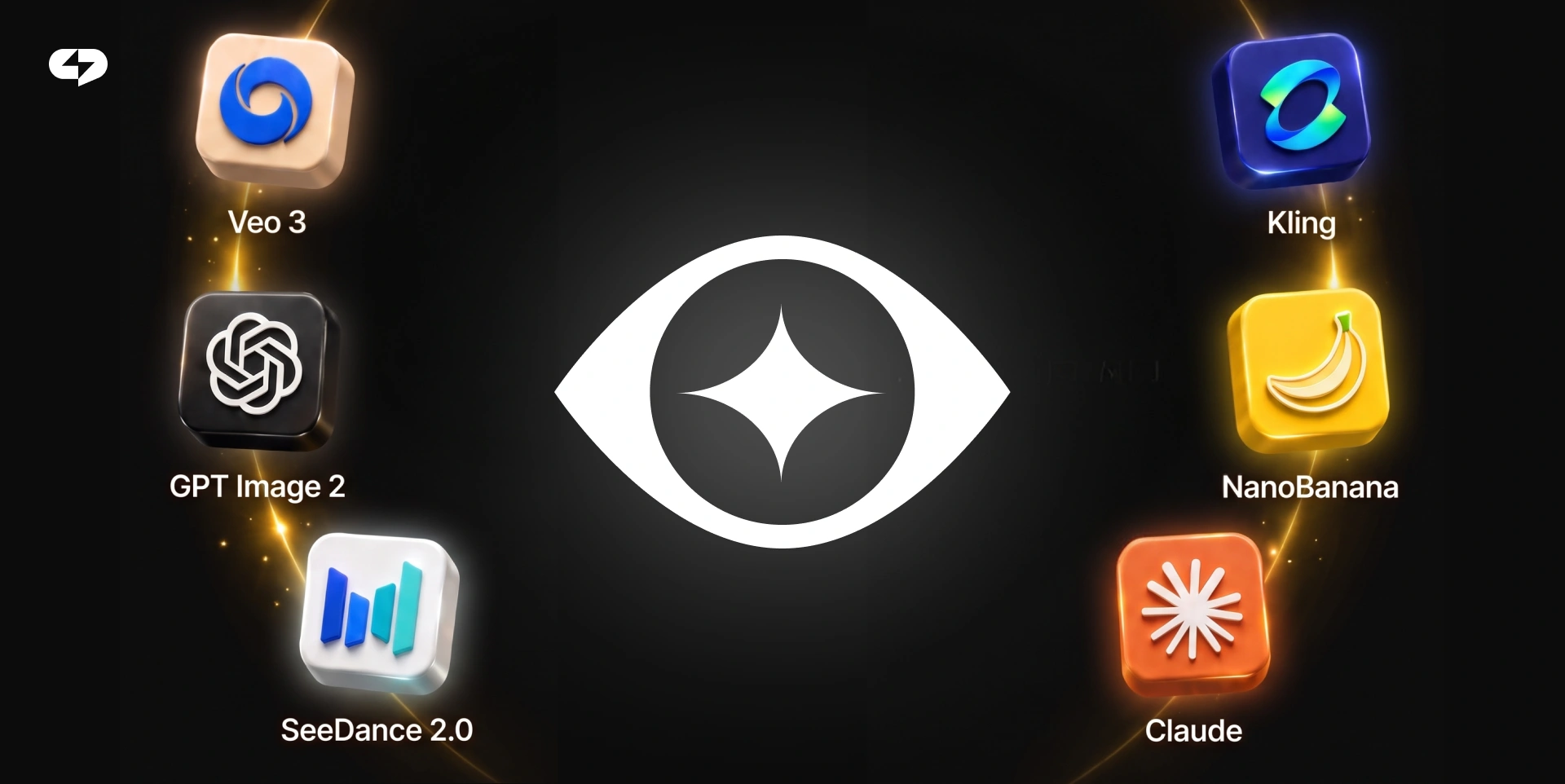
The savings start when five jobs are covered in one window by one subscription. You see the whole cycle – from idea to finished Reels – with no endless switching between tabs. Below is a comparison of the typical subscription stack versus one all-in-one platform.
| What a creator needs | 3–5 subscriptions | One Virale subscription |
|---|---|---|
| Video from text | A separate subscription ($15–30/mo) | Seedance 2 under the hood |
| Video from a photo | Another subscription ($10–20/mo) | Seedance 2 (image-to-video) |
| Images and covers | Midjourney or similar ($10–20/mo) | Nano Banana + GPT-Image 2 |
| Carousel and post design | Canva + a generator ($10–15/mo) | Carousel Studio, Sales Carousel |
| Script and prompt | ChatGPT ($20/mo) | Claude under the hood |
| Total per month | From $80–100 for subscriptions + tokens on top | One flat subscription |
| Aggregator markup | Often a double or triple charge | Top models directly |
| Your style | Set up in every service separately, explaining your context again each time | One service that knows your account |
The key takeaway from the table: with Virale you save not only the money spent on subscriptions, but also time. No syncing your style across four services, no keeping track of which limit runs out where.
Right now, the Seedance 2 + Nano Banana + Claude combination is enough for the full cycle of creating videos and posts.
One important detail: you pick the model for the task right in the chat – from the light Haiku to Sonnet 5 or Opus. One interface covers both a quick exchange and a deep account analysis, with no separate subscription per model.
Virale is part of the ChatPlace ecosystem. ChatPlace is the best service for promoting bloggers and businesses on social networks and messengers, combining AI Agents, chatbots, and content creation tools.
How to move your workflow to one subscription in 3 steps
The switch takes 15–20 minutes. Three steps to stop overpaying for AI services.
3 steps to one subscription:
- Count your current subscriptions. Open last month’s bank statement and write down every charge for AI and content SaaS. There are usually 3–5 lines.
- Mark the duplicates. Go down the “What a creator needs” column in the table above. If a feature is covered by the all-in-one platform – cancel the narrow subscription as soon as you’ve moved the job over.
- Set up presets for your tasks. Connect your Instagram account and set your niche – the platform learns from your recent posts. After that, presets (Video Studio, Unboxing, Promo video) help generate content in your style on the first try.
Right after step three, run a test: generate one clip and one carousel in Virale and compare the time spent and the result.
Can one service really cover everything?
One window doesn’t cover 100% of every creator’s needs – 5–10% of creators have narrow tasks that are easier to do in dedicated tools. Let’s be honest about what might stay on an old subscription.
- Custom LoRA and fine-tunes in Stable Diffusion. If you train your own models for a unique visual style – that stays in a specialized service.
- Videos longer than 30–60 seconds. Today’s top video models are built for short clips. A full-length video is still assembled the old way.
- Professional editing with complex color work. Final grading in Premiere/DaVinci stays with the pros. For Reels and TikTok you usually don’t need it.
- Local generation without internet. If everything has to run on your own laptop, a cloud platform won’t fit.
For 90% of social media creators these scenarios are rare, and the $50–70 saved per month outweighs the loss of niche features. If your work falls into the remaining 10% – keep one narrow subscription alongside the platform.
Where to start – a short plan
Start with an audit of your current subscriptions and check them against the table above – usually 2–3 lines are covered by one platform right away. Move one job (say, generating Reels) into Virale, judge the result after a week, and decide.
FAQ
How much does AI video generation cost in 2026?
The average creator spends $80–100 a month on a stack of 3–5 subscriptions: text-to-video, image-to-video, an image generator, an editing tool, sometimes voice. Some features are paid for twice. A platform with top models under the hood usually costs one flat subscription with no tokens on top.
How do you stop overpaying for AI video generator tools?
Recount your current subscriptions, mark the features that overlap, and cancel everything covered by an all-in-one platform. In Virale, Seedance 2 handles video, Nano Banana and GPT-Image 2 handle images, and Claude handles the prompt – one plan, no aggregator markup.
Can you make videos, photos, and carousels in one service?
Yes – in 2026 that’s the norm. Platforms like Virale put the top models under the hood and offer presets for every format: Video Studio, Cinematic Clip, Carousel Studio, Product Photoshoot, 30 Scroll-Stopping Hooks. One interface, one plan, one author’s voice.
Is there a free AI video generator?
Free tiers exist, but they come with watermarks, clips a few seconds long, and queues – not enough for real social media content. A more practical measure of value: in Virale, a failed generation (a model error or a copyright trigger) isn’t billed, and carousel edits don’t spend tokens at all.
What is aggregator markup and why do you end up paying twice?
A middleman service layered over Midjourney, GPT-Image, or Runway charges a flat subscription plus tokens for every generation inside. In effect you pay for access to someone else’s model twice – through the aggregator’s subscription and through its internal tokens. Platforms without that middle layer cost less.
How do you switch from three subscriptions to one?
Three steps: count your current spending from a bank statement, mark the duplicate features against the table above, and set up presets for your tasks on the new platform. It’s 15–20 minutes of work – and the subscriptions covered by one window get cancelled the same day.
What video formats can an AI video maker cover in one subscription?
With Seedance 2 under the hood, one subscription covers video from text, video from a photo, animating archive shots, cinematic clips, cartoons, unboxings, promos, and video instructions. Plus trend presets like “Repeat the Trend”.

Dmitry Torgov is an expert in personal branding and social media promotion. Co-founder of ChatPlace.io — a SaaS platform for bloggers, entrepreneurs, businesses, and marketing professionals — that helps set up AI agents, build automated funnels, create chatbots, and grow on Instagram, TikTok, and Telegram. Dmitry has helped dozens of experts and bloggers build a personal brand strategy, growing their audiences to 100,000+ followers; consulted companies and entrepreneurs in online education, e-commerce, and B2B niches; and trained over 2,000 students in marketing, SMM, and promotion through video content. “Personal branding is not about views, likes, or quick hype. Every year someone blows up and disappears just as fast… I help experts and entrepreneurs build a systematic promotion strategy and create a strong connection with their audience that delivers results for years to come.”