
Instagram comment auto reply: How to turn questions into leads
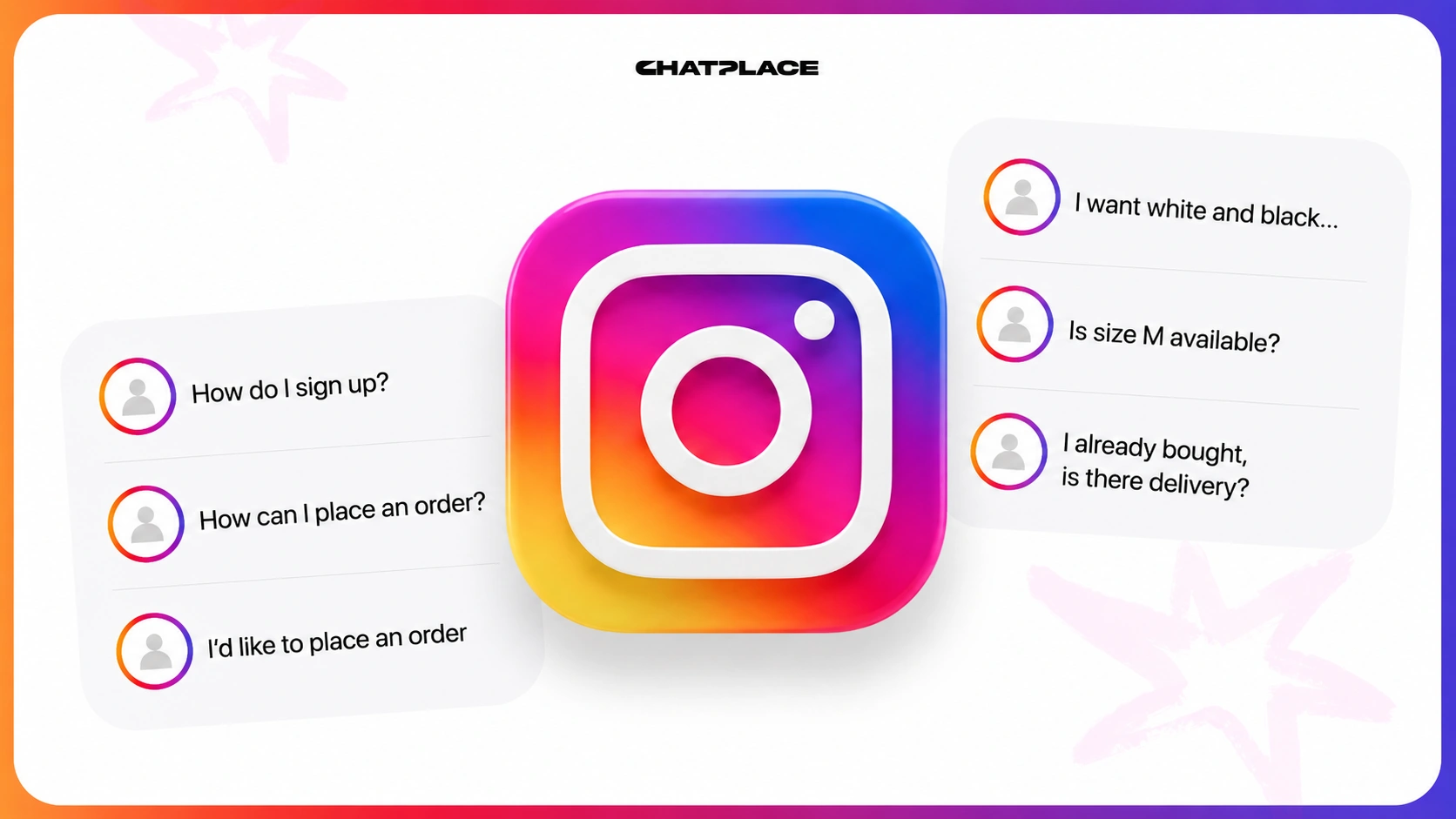
A post takes off, seventy comments land under it, and half of them are questions from people ready to buy. You get to them that evening, by which point the interest has cooled.
An Instagram comment auto reply closes that gap in two moves. A short reply appears under the post right away, so the person knows they were heard. At the same time a message lands in their DMs, where the conversation can go somewhere useful: pricing, sizes, booking. From there the ChatPlace AI Manager keeps the thread going.
Below: why comments go cold, how the mechanic works, who answers in DMs, the setup, and four ready-to-paste replies you can use as they are.
Why Instagram comments are leads that go cold

People comment at peak interest. They just watched your content and reacted to it. An hour later they are scrolling someone else’s feed, and by the next day they do not remember whose pricing they asked about or which video they typed a keyword under. A reply that arrives in the evening reaches a different person, with none of the original momentum.
The second layer of loss is public. Other people open that comment thread, and silence from the account owner reads one way: questions here go nowhere. The next person with the same question stops before typing it.
Speed does double duty, then. It works on the individual and on everyone who reads the thread later.
“Dozens of unanswered price questions is the most expensive silence on Instagram. Someone raised their hand and nobody looked.”
– Dima Torgov, founder of ChatPlace
What an Instagram comment auto reply is and how it connects to DMs
An Instagram comment auto reply is a rule that posts a response under your post whenever someone comments. The second half of the same rule is a direct message: the person who commented gets a DM with the rest of the conversation. In the US this pairing is usually called comment-to-DM, and the trigger is what separates it from a DM auto reply. There, an incoming message starts things. Here, a public comment does.
The whole chain takes a few seconds: comment → short public reply → first DM → conversation in the inbox.
Each half does a different job. The public reply is for everyone reading the thread, and it shows the account is alive and questions get picked up. The DM is for one person, where price, availability and booking can be discussed without putting the details on display.
On its own, the public reply settles nothing. It holds attention. The sale, the booking or the file delivery happen in DMs, which is why setting up the two halves separately makes little sense.
What the AI Manager does in the conversation
The AI Manager is what continues the conversation in DMs after the auto reply fires. It reads what the person wrote and answers by meaning: quotes a price from your own list, checks a size, confirms a follow, sends the file you promised, offers open times for a booking. It runs around the clock and holds dozens of threads at once.
The difference from a template shows on the second message. A template sends the same text to everyone and stops there, so the follow-up question lands back on you. The AI Manager builds its next reply from what the person just said and keeps the context of the thread.
It answers in your voice once you give it examples of your own replies. Without that, the answers come out polite and faceless. Setup happens in plain language, no code: you write the rules the way you would brief a new hire.
Its scope ends where you draw the line. Refunds, complaints, discounts outside your rules and anything you never wrote down get handed to you with the thread attached. It makes no decisions on your behalf.
“We made the handoff visible on purpose. If the AI Manager doesn’t know something, it pulls in a human instead of inventing an answer. That’s the only way to keep trust in a DM thread.”
– Dima Torgov, founder of ChatPlace
Why slow DM replies cost you sales covers what unanswered messages actually cost.
How to set up comment auto reply and the DM message: step by step
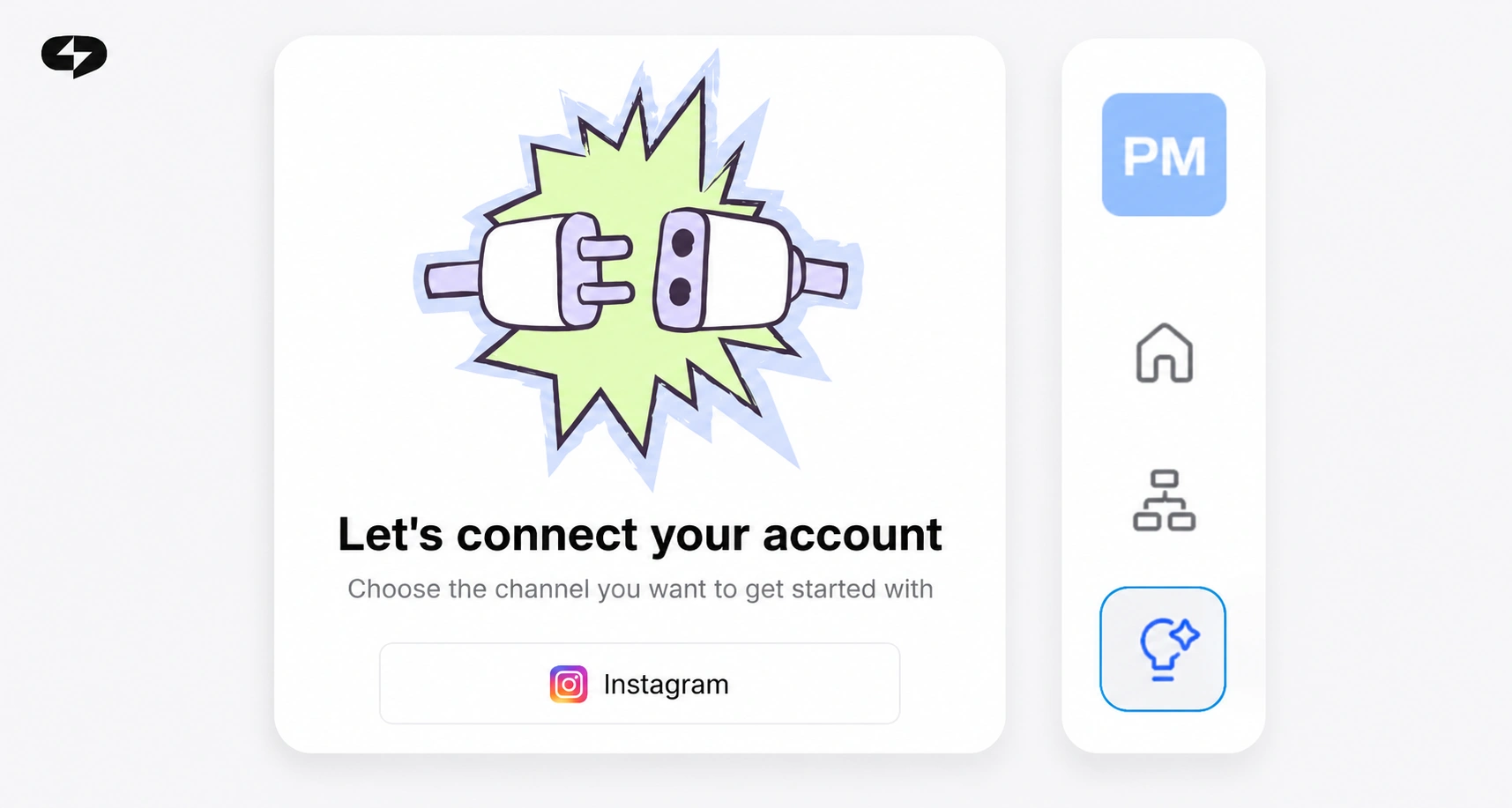
Setting the pair up in ChatPlace takes 10–15 minutes, and you need neither a developer nor a social media manager. The order goes like this:
- Connect your Instagram account through the official integration.
- Choose the posts the rule applies to: everything, specific posts, or future ones.
- Set the trigger – any comment, or a comment containing a particular keyword.
- Write the public reply. Keep it short and point it toward DMs.
- Write the first DM – the thing the person came for.
- Brief the AI Manager: what it handles itself, and what it hands to you.
- Test from a second account before switching the rule on across your feed.
You do this once and it runs on every new post after that. Starting with a single rule on a single post beats switching it on across your whole feed on day one.
Scenarios and ready-to-paste replies
A public reply works when it is short, sounds like a person, and gives a clear reason to check DMs. Keep three things in it: a nod to the person, an acknowledgment of what they asked, and a note that the details are in their inbox. Putting your full price list in the comment removes any reason to message you.
In the first DM, deliver exactly what the comment promised. A mismatch between the promise and the message is the main reason people close a thread immediately.

The keyword version is the one most US creators run: “Comment GUIDE and I’ll send it over.” The rule fires on that word alone, which keeps the thread clean and makes the ask easy to say on camera.
Below are the four situations that come up most, with wording you can lift. Swap in your own details.
| Situation | Public comment reply | First DM |
|---|---|---|
| Coach or consultant, teaching post | “Yes, spots are open for next month. Details are in your DMs.” | “Hey! You asked about coaching. Tell me in one line what you’re working on right now and I’ll send the two formats that fit, plus this week’s open times.” |
| DTC store, product post | “Those sizes are back in stock, just messaged you.” | “Hi! We have S, M and L in that color right now. Which one are you after? I’ll send fit photos and shipping times.” |
| Local business, location or hours post | “We’re at 214 Main St, open 9–7 Mon–Sat. Booking info sent your way.” | “Hi! Happy to get you on the schedule. Weekday or weekend, and morning or evening?” |
| Giveaway or lead magnet by keyword | “Sent, check your DMs.” | “Here’s the Reels guide you asked for, link inside. If it doesn’t open, reply here and I’ll resend it.” |
All four do the same thing. The comment confirms the question was heard, and the specifics move to DMs. From there the AI Manager carries the conversation on your rules and hands it to you when a decision is yours to make.
Learn more: How to automate your DMs: AI that captures leads and fills your CRM for you
Manual replies vs automated ones
Both approaches work, and the choice comes down to volume. Under twenty comments a day, answering by hand is realistic. The table below shows where the line sits.
| By hand | Auto reply | |
|---|---|---|
| Reply speed | Hours, sometimes a day | Immediate |
| Nights and weekends | Silence until morning | Running |
| A post that takes off | You reach some of them | Everyone gets an answer |
| Move to DMs | One at a time | Automatic, alongside the public reply |
| Tone and accuracy | Full control | Sounds like you once briefed |
| Unusual questions | Your strong suit | Handed to you |
The sensible setup is mixed. Automation takes the volume and the first contact, and you step in where a decision is needed. Through 2026 that is how most accounts turning comments into leads are running.
Is this safe for your account?
Safety comes down to how you connect. An official integration means auto replies follow platform rules and run with your explicit authorization from a professional account. The risk sits with grey-market bots working around official access, and losing the account there is a real outcome.
After that it is platform rules and common sense: answer the actual question, skip mass-blasting identical text, and never promise something in an auto reply that you do not deliver.
Read also: Official Meta partner or grey bot
Where to start

Take one post that reliably collects questions. Set a rule on it with a public reply and a first DM, lift the wording from the table above, and test the whole chain from a second account before you touch anything else.
Give it a week. You will see how many comments actually reach a conversation, and that number tells you whether to roll the rule out across the rest of your feed. Most accounts find the keyword version earns its place first, since a single word on a Reel does more than a full caption asking people to message you.
FAQ
What is an Instagram comment auto reply?
A rule that posts a response under your post when someone comments, then continues the conversation in DMs. The trigger is a public comment rather than an incoming direct message.
Is a comment auto reply the same as a DM auto reply?
They are two halves of one setup. The public reply appears under the post where everyone sees it, and the DM goes privately to whoever commented at the same moment. Both are configured in ChatPlace.
How does comment-to-DM automation work on Instagram?
Someone comments, a short public reply appears, and a direct message lands in their inbox. Many creators trigger it on a keyword, so the ask becomes “comment GUIDE and I’ll DM you the link.”
How do I set up an Instagram comment auto reply?
Connect your account through official authorization with ChatPlace, choose the posts, set the trigger, write the public reply and the first DM, brief the AI Manager on what to hand over, and test it from a second account.
Will automatic replies get my account banned?
Auto replies that run through an official integration follow platform rules. Problems come from grey-market bots working around official access. Mass-sending identical text is a bad idea regardless of how you connect.
How do I move someone from comments into my DMs?
Keep the public reply short and give a clear reason to check messages, then put the substance in the DM. Deliver exactly what the comment promised in that first message.
Do I need a developer to set this up?
No. Connecting runs in ChatPlace through account authorization, and the rules and reply text are written in plain language.
Will the bot sound like me or like a template?
The ChatPlace AI Manager answers by meaning and in your tone once you give it examples of your wording and your rules. Without that setup, replies come out polite but generic.
Can I use different replies on different posts?
Yes. A rule can apply to specific posts, to everything, or to future publications, so a product post and a teaching post can run separate scenarios.

Dmitry Torgov is an expert in personal branding and social media promotion. Co-founder of ChatPlace.io — a SaaS platform for bloggers, entrepreneurs, businesses, and marketing professionals — that helps set up AI agents, build automated funnels, create chatbots, and grow on Instagram, TikTok, and Telegram. Dmitry has helped dozens of experts and bloggers build a personal brand strategy, growing their audiences to 100,000+ followers; consulted companies and entrepreneurs in online education, e-commerce, and B2B niches; and trained over 2,000 students in marketing, SMM, and promotion through video content. “Personal branding is not about views, likes, or quick hype. Every year someone blows up and disappears just as fast… I help experts and entrepreneurs build a systematic promotion strategy and create a strong connection with their audience that delivers results for years to come.”