
Instagram giveaway: How to run one and pick a winner
An Instagram giveaway takes 6 steps: write the rules, publish the post, collect comments, check entries, pick a random winner and announce the result. You can run it for free, and automation can reply to every entrant in DMs. Below: a rules template, what Instagram requires, how giveaway pickers work and the mistakes that cost creators, coaches and small shops their customers.
How an Instagram giveaway works
An Instagram giveaway works like this: you publish a post with a prize, people complete the entry steps and comment, and on a date you set in advance you pick a winner at random. Each comment lifts the post’s reach and works as the entrant’s ticket.
- Prize tied to your product, so the people who enter are the ones who might buy.
- Entry steps kept short: follow, comment and, if you like, save the post.
- Deadline stated exactly: the date and hour of the draw.
- Draw random and visible: a screen recording or a live video.
Example: a baker gives away a 3-pound cake to followers in her city, and the only step is to comment with a favorite filling. The comments also tell her which flavors to add to the menu. If you’re still deciding what to give away, our guide on choosing a prize for your Instagram giveaway covers that question.
Instagram giveaway rules: What Instagram and the law require
Instagram allows giveaways, but the organizer carries full responsibility for them. Instagram’s Promotion Guidelines say that you are responsible for the official rules, the eligibility requirements and compliance with the laws that govern the promotion and its prizes.
- Release of Instagram: each entrant must release Instagram from responsibility.
- Acknowledgement: the rules must say the promotion is not sponsored, endorsed or administered by, or associated with, Instagram.
- No inaccurate tagging: you can’t ask people to tag themselves in photos they aren’t in.
- Eligibility: state the age and residency limits.
The legal side depends on where you and your entrants live. In the US, a giveaway with a winner picked by chance is usually treated as a sweepstakes, the rules differ by state, and a prize may count as taxable income for the winner. This article isn’t legal advice: if the prize is valuable or entrants come from several states or countries, check with a lawyer before launch. Example: a skincare shop limits its giveaway to US residents aged 18 and over and says so in the first line of the rules.
Giveaway rules template you can copy
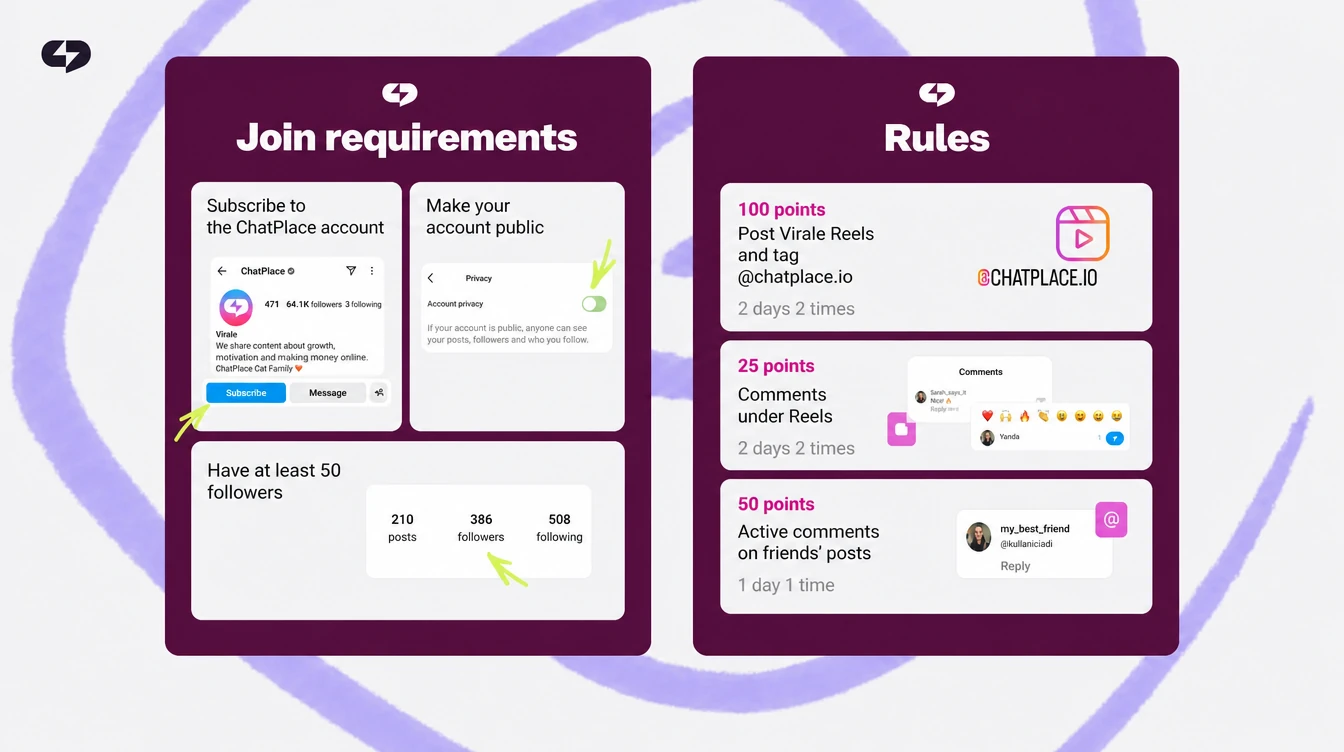
A set of giveaway rules fits into 7 points, and it’s best to put them in the post caption or on a separate carousel slide. The more exact the rules, the fewer disputes on draw day.
| Point | What to write | Example |
|---|---|---|
| Organizer | account name | @cake_studio |
| Prize | what it is and how it’s delivered | 3-pound cake, pickup only |
| How to enter | 2–3 steps | follow and comment |
| Dates | start and draw time with time zone | draw on Nov 20, 7 p.m. ET |
| Who can enter | age and location | 18+, Austin residents |
| Winner selection | method and proof | random comment picker, screen recording |
| Instagram release | wording about Instagram | not sponsored, endorsed or administered by Instagram |
Example caption: “We’re giving away a 3-pound cake. To enter, follow us and comment with your favorite filling. The draw is on November 20 at 7 p.m. ET, and we’ll pick the winner with a random comment picker on a screen recording. This promotion is in no way sponsored, endorsed or administered by, or associated with, Instagram.” Add how long the winner has to reply, for example 48 hours, and what happens to the prize if they don’t.
How to collect entries and reply to every entrant
Entries are easiest to collect with automation: for every comment with a keyword, a bot replies in DMs, checks the follow and adds an “entrant” tag. You get a list of entrants, and each person gets a confirmation.
- Keyword. Ask people to comment a specific word, for example “CAKE”, which is easier to track.
- First message with a button. After a comment, Instagram allows one private reply until the person taps a button or writes back.
- Follow check. A follow condition splits entrants into followers and non-followers, and the bot reminds the second group about the rule.
- Entrant tag. Later you can filter chats by this tag and message everyone who entered.
One caution about wording: keep “giveaway”, “contest” and “sweepstakes” out of the keyword and out of the bot’s automated messages. Instagram treats them as risk words, and an account that sends them through automation can be restricted. Say them in the post caption if you need to, and let the bot use neutral lines such as “You’re in! We’ll announce the winner on Friday.”
Instagram’s algorithms limit how many public replies an account can post under its content per day, so send the main confirmation in DMs. You can build this flow in our Instagram automations, which include ready-made templates, and our guide on how to set up auto-reply on Instagram walks through comment replies. Example: a creator gets 900 comments in 3 days, and each entrant receives a confirmation in DMs within seconds.
How to pick an Instagram giveaway winner
A winner is picked at random and in the open: either an Instagram giveaway picker pulls a random comment for you, or you number the entrants and generate a random number yourself. ChatPlace collects and tags entrants but doesn’t pick the winner, so the draw happens in a separate tool.
- Build the list of people who met the rules, by tag or from the comments.
- Remove duplicates if the rules say one entry per person.
- Run the draw in a picker or a random number generator while recording your screen.
- Verify the winner: the follow, the entry steps, a real account.
| Method | How it works | Limits |
|---|---|---|
| Instagram comment picker with login | loads comments through Instagram’s official API | needs a business or creator account |
| Picker by post link | you paste the post URL | can’t read private posts |
| Random number generator | you number the entrants yourself | manual work, fine for small draws |
For example, Comment Picker is free for a post with up to 100 comments and 1 winner, and its Premium plan costs $9.99 a month. If the winner doesn’t meet the rules, draw again and say so on the recording. Example: a language school runs the draw live, and viewers watch number 214 turn into the winner’s name.
How to announce the giveaway winner
Announce the winner in a story and in a pinned comment under the post, and message the winner in DMs. The DM will go through if the messaging window is open: the winner tapped your button or wrote to you in the last 24 hours.
- Story with the draw recording and the winner’s handle.
- Pinned comment under the giveaway post with the result.
- Message to the winner with a delivery question and a reply deadline, for example 48 hours.
- Message to everyone else with a consolation bonus: a promo code or a checklist.
The last message works well as a broadcast to the “entrant” tag: it reaches people whose 24-hour window is still open. If entrants write back with questions about the prize or delivery, an AI Manager can answer them from your knowledge base. Example: the baker sends all entrants a 10% code for a first order, and 23 people order that same week. Keep the giveaway post up after the draw, because its comments work as social proof for the next one.
Mistakes that stop a giveaway from bringing customers
A giveaway doesn’t bring customers when the prize has nothing to do with your product, the entry steps are too long or nobody talks to entrants after the draw. People follow for the prize and leave the next day.
- A prize for its own sake. An iPhone attracts giveaway hunters, not your buyers.
- Long entry steps. Tagging 5 friends and reposting pushes real people away.
- No follow-up. Without a message after the draw, entrants forget you.
- No room for contacts. The Free plan covers up to 200 active contacts a month, so a big giveaway will hit the limit.
For steady activity between giveaways, a points game with a leaderboard works better than a one-time draw, and our guide to Instagram gamification explains how to set one up. Plans and contact limits are on the pricing page. Example: a nail studio replaces its monthly giveaway with a points game, and comments start coming every week instead of once a month. Try 14 days of Pro free with the button below.
Summary
- An Instagram giveaway runs in 6 steps: rules, post, comments, entry check, random draw, announcement.
- The rules need dates, entry steps, the selection method and the Instagram release.
- Reply to entrants in DMs with a button and tag them, so you can message everyone later.
- Next step: copy the rules template, add your prize and set the draw date.
FAQ
How do I do a giveaway on Instagram for free?
You can do a giveaway on Instagram for free from start to finish: the post, the comments and a random draw don’t require paid tools. You pay only for the prize and, if you want, for promoting the post. Auto-replies to entrants can be free too: the ChatPlace Free plan includes automations, 1 account and up to 200 active contacts a month, which is enough for a small giveaway. For the draw, use a free random number generator or the free tier of a comment picker. Example: a brow artist gives away a session among 150 entrants, tags them on the Free plan and picks the winner live. If you expect more than 200 entrants, plan the launch on Pro, which costs $20 a month and has unlimited contacts. Check your usual numbers first: a post that normally gets 500 comments won’t fit the free limit. You can start after you sign up for ChatPlace.
Which Instagram giveaway picker should I use?
Use an Instagram giveaway picker that shows the entries and the result on screen, so you can record the draw. There are 2 main types. Pickers with a login, such as Comment Picker, load comments through Instagram’s official API and need a business or creator account. Pickers that work by post link, such as AppSorteos, ask only for the post URL and can’t read private posts. Compare the free limits before you start: Comment Picker’s free plan covers up to 100 comments and 1 winner per draw. Look for filters that match your rules, like removing duplicate users or requiring a mention. Example: a bookstore with 430 comments uses a picker with a duplicate filter, 312 unique entrants remain, and the draw takes a minute on a screen recording. Avoid any tool that asks for your Instagram password or promises a hidden result. Read the tool’s current terms on its site, because limits and prices change.
What is an Instagram giveaway generator?
An Instagram giveaway generator is another name for a random winner tool: it takes a list of comments or names and returns one or more random winners. Some people also use the term for tools that write giveaway captions, so check what a specific tool does. For the draw itself, 3 options cover most cases: an Instagram comment picker, a random name picker where you paste the handles, or a plain random number generator. The simplest method without giving any app access: copy the entrant list, number it in a spreadsheet and generate a number from 1 to the total. Example: a nutrition coach numbers 86 tagged entrants in a spreadsheet and runs a number generator on a screen recording. Number 41 matches a handle in the sheet, and viewers can see it. For a draw with 30 to 50 entrants, the manual method takes about 10 minutes. Keep the recording in case anyone asks how the winner was chosen.
Can I ask people to tag friends in a giveaway?
Yes, you can ask entrants to tag friends in the comments, but Instagram forbids asking people to tag themselves in photos they aren’t in. A mention in a comment and a tag on a photo are different things. Keep in mind that ‘tag 3 friends’ attracts giveaway hunters who tag random accounts, while real customers often skip such rules. Asking for 1 friend who would actually like the prize works better. Rules tied to your product work better still: answer a question, choose an option or comment a keyword. Example: a salon replaces ‘tag 3 friends’ with ‘tell us which treatment you want to try’, and the comments become a list of ideas for new services. Tags stay optional. If you keep a tagging rule, check it when you pick the winner, or the rule loses its point. Some pickers can filter comments by the number of mentions, which saves you from checking by hand.
How long should an Instagram giveaway run?
An Instagram giveaway usually runs 3 to 7 days: long enough for the post to collect comments and short enough that entrants don’t forget it. A 1 to 2 day giveaway suits a small account with an active audience. A full week makes sense if you promote the post with ads or partners send you entrants from their stories. Don’t stretch it past 2 weeks, because interest drops and comments slow down after the first days. State the draw time exactly, with the date, hour and time zone, and don’t move it. If a delay is unavoidable, announce it early in stories and in a comment. Example: a florist starts a bouquet giveaway on Monday and draws on Friday at 7 p.m., so the winner gets flowers for the weekend. Remind followers in stories every 1 to 2 days. Use your past posts as a guide: if comments fade by day 3, you don’t need a week.
Why don’t entrants get my DM reply?
Entrants don’t get a DM reply when the automation is off, the keyword in the comment doesn’t match the trigger, or the bot tries to send 2 messages in a row after a comment. Instagram allows one private reply per comment until the person taps a button or writes back. Make the first message a card with a button, and send the entry confirmation after the tap. Check the post itself too: automations don’t work on posts marked 18+, and they fire unreliably on trial Reels. If Instagram keeps rejecting replies, ChatPlace pauses them for a few minutes so the account doesn’t collect spam complaints. Example: a creator writes ‘CAKE’ in the post but sets the trigger to ‘cake!’ with an exclamation mark, and the bot stays silent until the word is fixed. After any edit, leave a test comment from another account. You can set up this chain in our Instagram automations without code.
Do I need to check that entrants follow me?
Check the follow if following is one of your entry rules; otherwise the prize can go to someone who only left a comment. Doing it by hand is slow, while automation checks right after the comment. A follow condition in the flow splits entrants into 2 branches. Followers get a confirmation and an ‘entrant’ tag. Non-followers get a reminder about the rule and an invitation to follow and tap the button again. By draw day you already have a list of people who met the rules. Check the winner’s follow once more when you draw, because a person could unfollow after commenting. It takes a minute, while a dispute after the announcement costs far more time and trust. Example: a yoga studio gets 640 comments, 520 entrants pass the check, and the draw runs only among them. Our guide to the Instagram bot follow check shows the setup step by step.
Can I run an Instagram giveaway on a Reel?
Yes, you can run an Instagram giveaway on a Reel the same way as on a feed post: people enter by commenting, and you pick a winner from the comments. Reels often reach people who don’t follow you yet, so a Reel suits a giveaway meant to bring new followers, while a feed post or carousel suits one for your current audience. Put the rules in the caption and repeat the main step on screen in the first seconds. Comment automations work under organically published Reels but fire unreliably on trial Reels, so don’t use a trial Reel for a giveaway. Check that your picker supports Reels: Comment Picker, for example, lists regular posts, videos and Reels. Example: a ceramics shop posts a 20-second Reel of the prize mug being glazed and asks viewers to comment ‘MUG’. Pin your own comment with the draw date so new viewers see the deadline. Our Instagram limits guide covers the platform’s other limits.

Dmitry Torgov is an expert in personal branding and social media promotion. Co-founder of ChatPlace.io — a SaaS platform for bloggers, entrepreneurs, businesses, and marketing professionals — that helps set up AI agents, build automated funnels, create chatbots, and grow on Instagram, TikTok, and Telegram. Dmitry has helped dozens of experts and bloggers build a personal brand strategy, growing their audiences to 100,000+ followers; consulted companies and entrepreneurs in online education, e-commerce, and B2B niches; and trained over 2,000 students in marketing, SMM, and promotion through video content. “Personal branding is not about views, likes, or quick hype. Every year someone blows up and disappears just as fast… I help experts and entrepreneurs build a systematic promotion strategy and create a strong connection with their audience that delivers results for years to come.”