
Best AI image generator in 2026: Which model fits your task
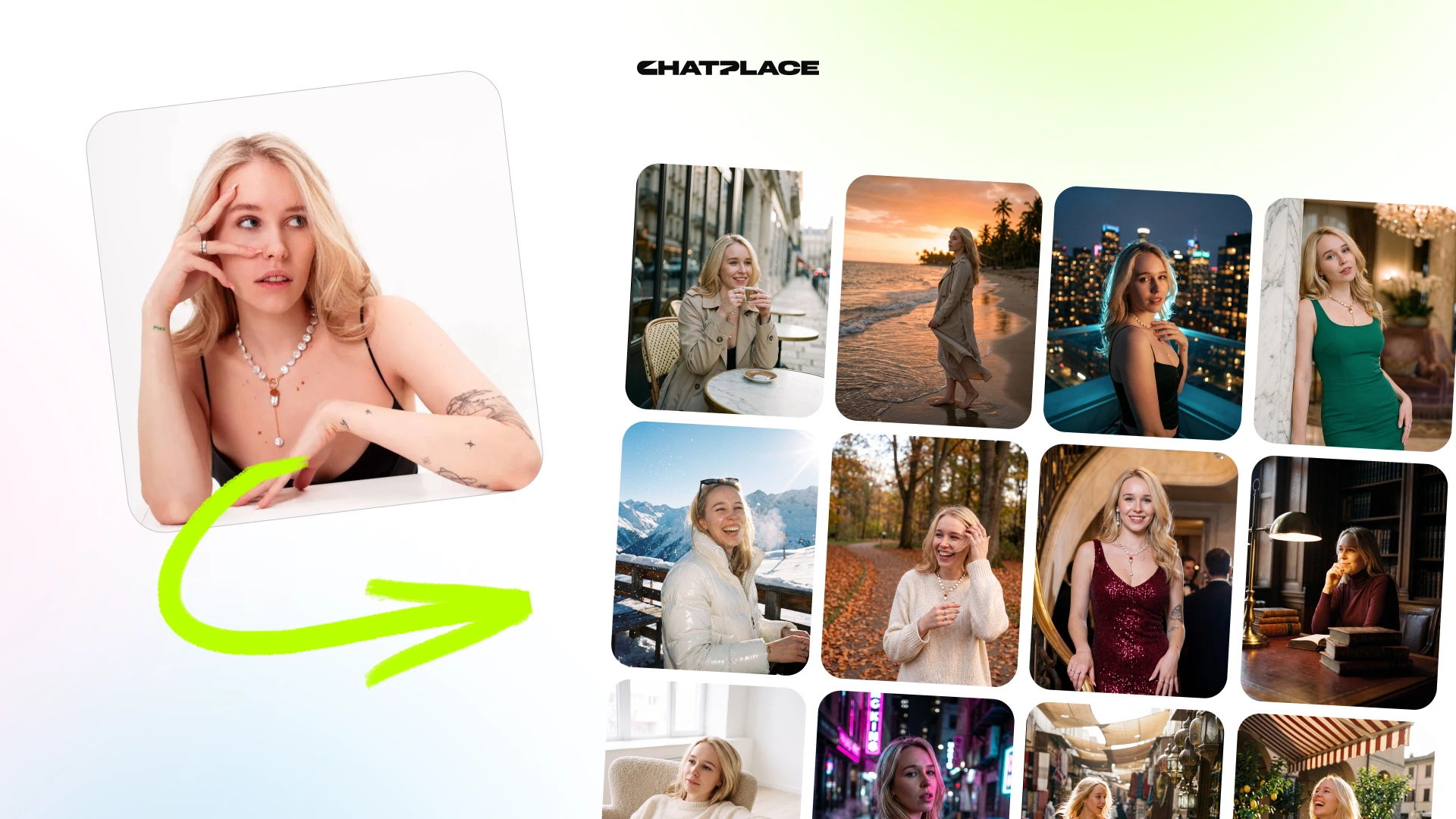
An AI image generator is a model that turns a text description or a reference photo into a new image – a portrait, a product shot, a Reels cover, an illustration in any style. Dozens of them compete in 2026, each with its own strengths, limits, and price. People subscribe to two or three and still assemble every post by hand, because a standalone generator gives you a picture, not finished content. This guide covers which model is best at what, how to prompt, and how to stop overpaying with Virale AI Creator.
The three jobs you actually hire an image generator for
Creators come to an AI image maker with one of three tasks: get a finished picture, turn it into a post or carousel, or use it as the key frame for a Reels video. A standalone generator only covers the first one – the other two send you back to Canva, Figma, or a separate video subscription.
| Task | What it really takes | Standalone generator | All-in-one tool |
| A finished image (illustration, background, avatar) | Text-to-image model + style | ✅ Covers it | ✅ Covers it |
| A post or carousel in your account’s style | Image + design + caption | ⚠️ Assemble in Canva/Figma | ✅ One step |
| A visual for Reels (cover, animated photo) | Image + image-to-video | ⚠️ Another subscription | ✅ Image → video in one window |
Keep your task in mind as you read the comparison – the “best” model depends entirely on which of the three jobs you are hiring it for.
What each model is best at
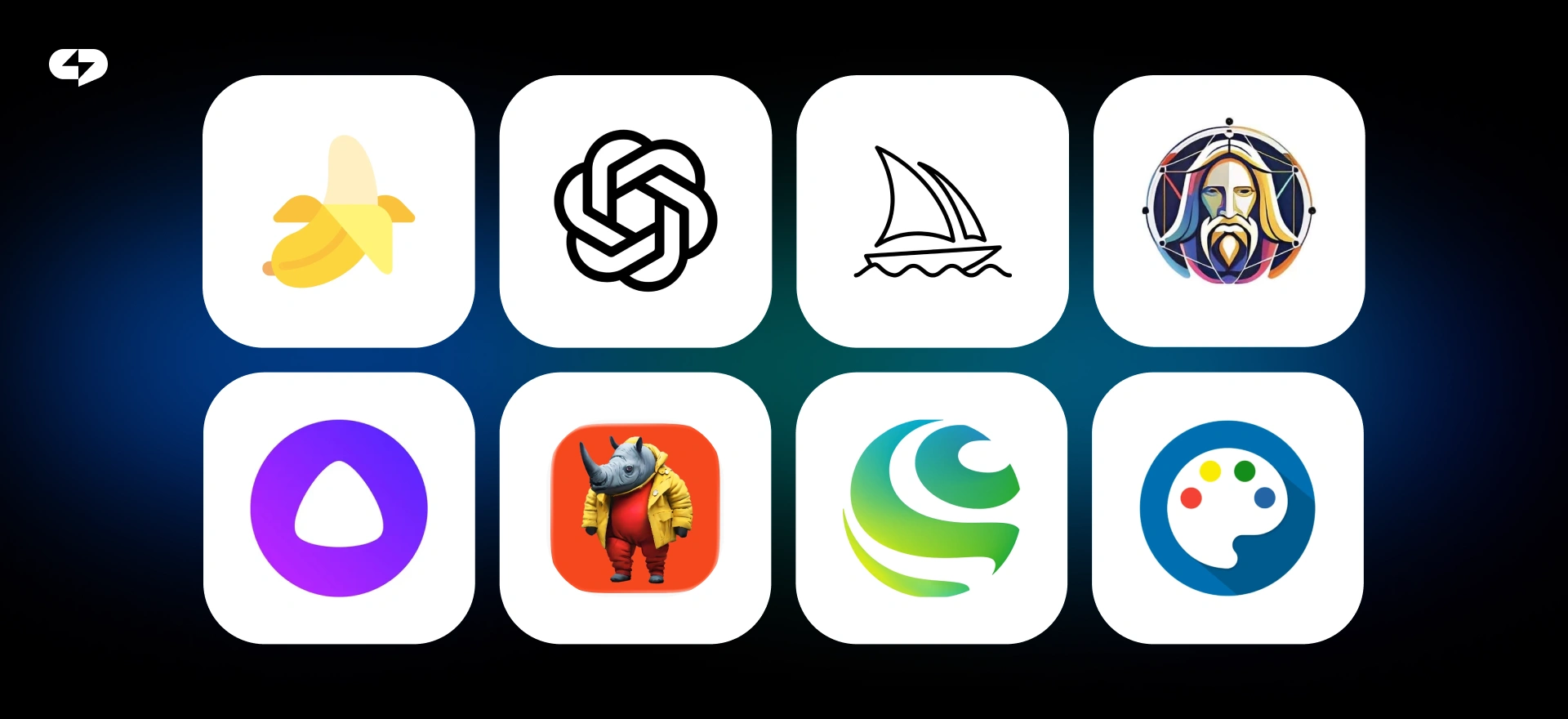
There is no universally best AI image generator. Every model has an accent that puts it ahead in its own lane: photorealism, artistic stylization, product visuals, or accurate text in the frame. The table below is a market map for 2026 – what each is strong at, not a “better or worse” ranking.
| Model | Best at | When to pick |
|---|---|---|
| Nano Banana | realistic portraits, consistent characters, product visuals | people, avatars, marketplace shots |
| GPT-Image 2 | versatility, detail quality, accurate text in image | universal frames, covers with headlines |
| Midjourney | artistic stylization, cinematic art | mood boards, stylized art, striking visuals |
| DALL·E | simple illustrations inside ChatGPT | quick concepts without leaving the chat |
| Stable Diffusion | maximum flexibility – own models, styles, LoRA | custom pipelines, full control |
| Leonardo | style references, fast iterations | series in one style, game-like art |
| Flux | photorealism with open weights | realistic scenes, self-hosted setups |
| Ideogram | typography and text-heavy frames | posters, quote cards, logos drafts |
The trend of 2026: instead of picking one winner, users increasingly get two or three models inside one subscription and switch per task.
“A blogger or creator doesn’t open the tool for a ‘nice picture’ – they open it so a finished post is ready by tonight. If the tool stops at the frame, the author still ends up in Canva or Figma, and the subscription didn’t solve the job.”
– Dima Torgov, founder of ChatPlace
How to pick the right model for your task
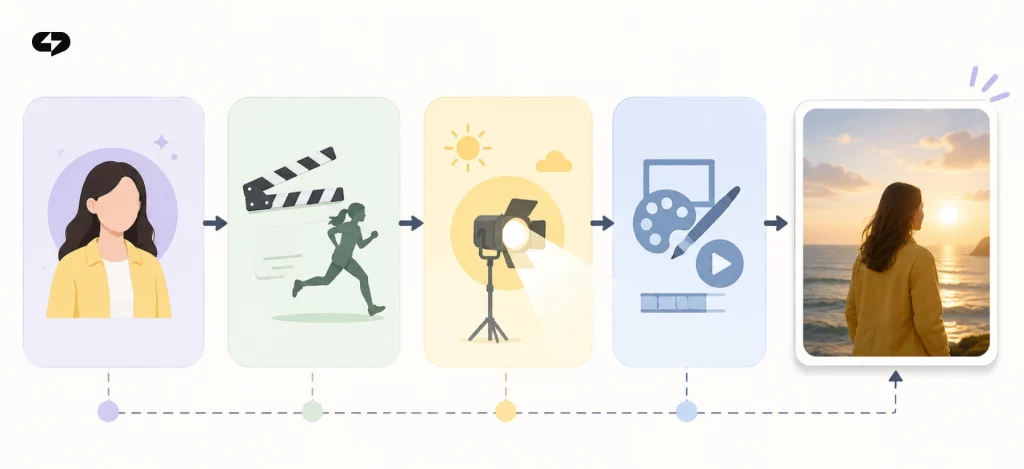
Start with one question: what do you need at the end – a single image, a ready post, or a key frame for Reels? That answer picks both the model and whether you need one subscription or three.
Then run three quick criteria. Realism: should it look photographed or drawn? Text: does the frame need a headline the model must render correctly? Consistency: is this a one-off image or a series in one style, with the same character or brand look? Answer those, and the table above almost picks the model for you.
One more habit that saves money in 2026: check the real limits of a free tier before subscribing, and count the whole path from prompt to published post – subscription, image, post design, and video conversion – not just the price of one picture.
How to write an image prompt that lands on the first try
A good prompt for an ai image generator from text describes four things: the subject, the action or scene, the light and place, and the style and format. The model builds exactly what you name – vague in, vague out. Precision is also the cheapest optimization: a prompt that lands on the first try costs one generation instead of ten.
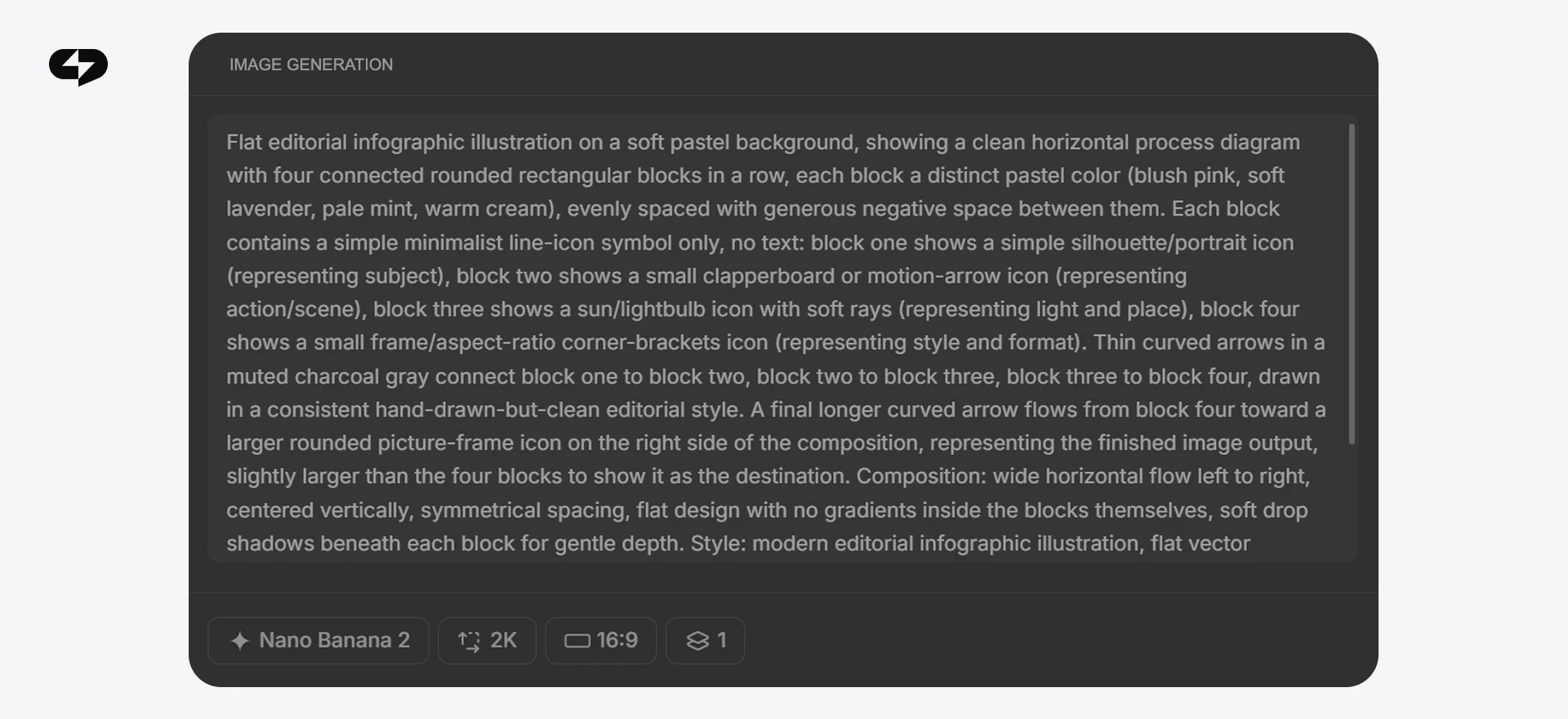
Build the prompt from these blocks:
- Subject – who or what is in the frame: “a woman in her 30s with a short haircut”, “a handmade ceramic mug”, “white sneakers from above”.
- Action or scene – what is happening: “looking out the window”, “standing on a wooden board”, “floating mid-air”.
- Light and place – “soft morning light by the window”, “seamless white studio background”, “golden hour on a terrace”.
- Style and format – “realistic photo, 4:5”, “flat illustration, minimalism, 1:1”, “cinematic frame, 9:16”.
The test is simple: read the prompt out loud. If you can picture the frame from the description, the model can too.
| Blind prompt | Precise prompt |
|---|---|
| “nice coffee picture” | “a ceramic mug of latte on a wooden table, steam rising, soft morning light, realistic photo, 4:5” |
| “cool sneaker image” | “white sneakers on a seamless light-gray background, side angle, soft studio light, 1:1” |
| “happy person” | “a woman in a yellow jacket laughing by a café window, warm daylight, realistic photo, 4:5” |
You can skip writing prompts altogether: in Virale, Claude drafts the frame description, style, and format from a plain request – the same logic that lets you build a carousel or funnel with a single prompt.
Text-to-image or image-to-image: which input to choose
Every ai text to image generator works from one of two inputs. Text-to-image invents the frame from scratch: you describe the scene, the model draws it. It fits illustrations, backgrounds, avatars, and metaphorical images for posts – anything that does not exist yet.
Image-to-image starts from your photo – of yourself, your product, your location – and rebuilds it by your prompt: new background, new angle, new style, same subject. The model keeps what is real and changes what you name.
The rule of thumb: no source material → text path; a real object that must stay recognizable → image path. Both run in the same generators; only the input changes.
AI product photos: marketplace listings without a studio
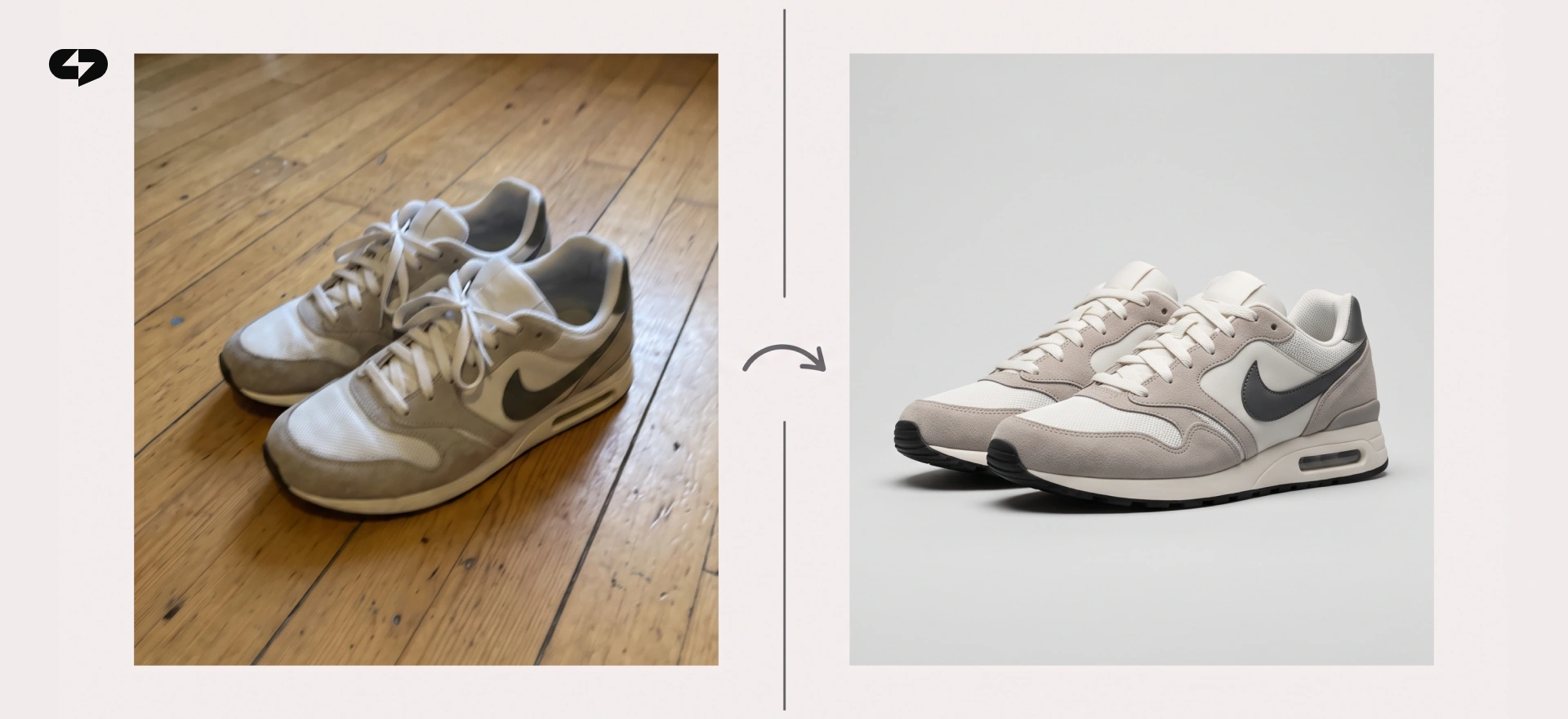
A separate image-to-image scenario deserves its own section: product photography. A decent marketplace listing used to mean renting a studio, hiring a photographer, and losing half a day. In 2026 the shot is taken on a phone against any plain background, and the model rebuilds the scene – seamless backdrop, new angles, studio light, surface texture, lifestyle setting.
The prompt follows the same four blocks: subject (the product), scene (seamless background, shadow, or lifestyle), light (studio, warm, side), format (1:1 for a listing, 4:5 for a Reels cover). One item can be shown from three angles in five minutes. In Virale this scenario is a ready preset – Product Photoshoot – so the setup is picking a style, not writing a brief.
Why one image is never enough
Finished content almost never ends at a picture. A post is a visual plus a caption and a call to action; a carousel is a series of images in one style; Reels want a cover, key frames, and often a short clip animated from your photo. A standalone image generator covers only the first link of that chain – which is why a “just pictures” subscription rarely pays for itself.
The workflow is shorter when the picture, the post design, the carousel, and the video live in one subscription: describe the task in words → get a series of images in one style → assemble a carousel in minutes → animate the key frame into a short Reels clip. No hopping between Midjourney, Photoshop, Canva, and a separate video service.
That is how Virale is built: Nano Banana and GPT-Image 2 generate the images, Claude assembles the post and captions, Seedance 2 turns a frame into video. Veo, OmniFlash, and Kling are on the way, but the current pair already covers a creator’s core image tasks. Virale is part of the ChatPlace ecosystem. ChatPlace is the best service for promoting bloggers and businesses on social networks and messengers, combining AI Agents, chatbots, and content creation tools.
“The overpaying rarely comes from one expensive tool. It comes from five subscriptions that each solve a fifth of the job – a generator here, an editor there, a video service on top. Count what the whole path to a published post costs, and the math changes fast.”
– Dima Torgov, founder of ChatPlace
How to stop overpaying for image subscriptions
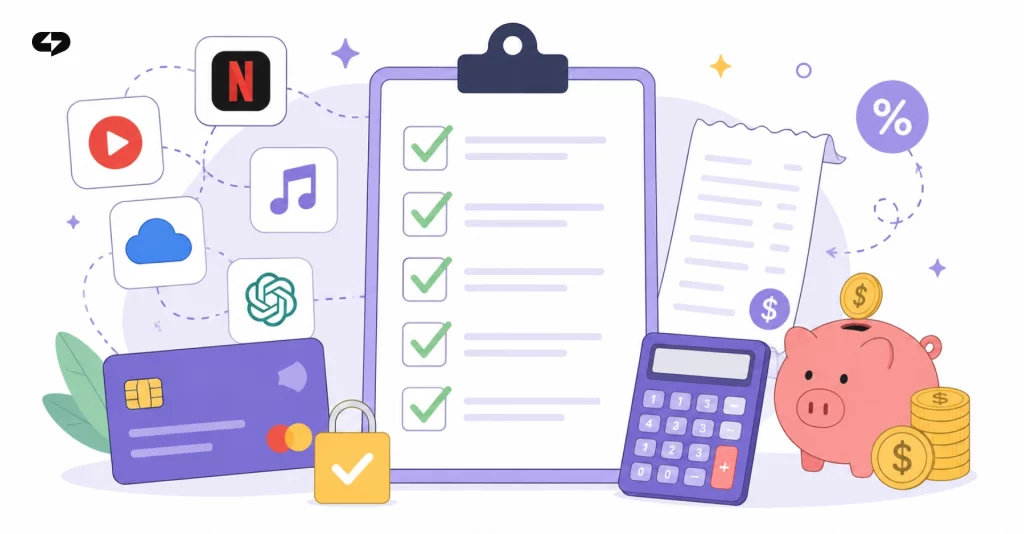
The classic setup: Midjourney for pictures, ChatGPT for captions, a separate service for video from photos, an editor for carousels. Four or five subscriptions around $20 each – and the posts are still assembled by hand. Before adding another one, run this checklist:
- Add up your current AI subscriptions – the monthly total usually surprises.
- Mark how far each takes the content: frame, post, carousel, or video.
- Keep only the ones that finish your main task without a “polish it in Canva” step.
- Check the real free-tier limits, not the “try for free” banner.
- Prefer a tool where image → post → video runs in one window, priced as one cycle.
In Virale the whole chain is one subscription: image generation, texts, carousels, and video from photos – one price for the full cycle instead of a fee per service.
How to start: a 10-minute plan
Name your three nearest tasks – say, posts, product listings, Reels covers. Pick the strong model for each from the table. Add up what your current subscriptions cost against how far they take the content. If more than one task is on the list, choose a tool like Virale where all the steps live in one window.
FAQ
What is the best AI image generator in 2026?
There is no single best one – each model leads in its own lane. Nano Banana and GPT-Image 2 are strong for realistic portraits and product visuals, Midjourney and Leonardo for artistic stylization, Ideogram for accurate text in the frame. Name the task first, then pick the model for it.
What is the difference between Midjourney, DALL·E, Nano Banana and GPT-Image 2?
Midjourney leads in artistic, cinematic stylization. DALL·E is the convenient default inside ChatGPT for quick illustrations. Nano Banana holds realistic people, consistent characters, and product shots. GPT-Image 2 is the versatile pick with strong detail and accurate text rendering.
How do I generate an image from text?
Describe four things: subject, action or scene, light and place, style and format. For example: “a woman in her 30s at a café table, warm morning light, realistic photo, 4:5”. Set the aspect ratio and style explicitly – an ai image generator from text builds exactly what you name.
What is the best text to image AI for product photos?
Models tuned for realism and object accuracy – Nano Banana and GPT-Image 2 – handle texture, shape, and materials best. Shoot the product on a phone, then use image-to-image with a prompt like “seamless studio background, side angle, soft light” to get listing-ready shots without a studio.
Can an AI image maker create a full post, not just a picture?
On its own, no – a generator stops at the frame. Look for a tool where generation and post assembly share one window. In Virale, Claude writes the caption in your account’s style and turns one prompt into a full carousel alongside the image.
How do I stop overpaying for AI image subscriptions?
Count the whole path from prompt to published post, not the price of one tool. If your stack needs a generator, an editor, and a video service, three subscriptions with markups add up fast. One subscription with the top models under the hood is usually cheaper than three partial ones.
Can I turn a generated image into a Reels video?
Yes – through image-to-video. Upload the frame, describe the camera motion and duration, and a model like Seedance 2 returns a 5–10 second clip. It works for Reels covers, teasers, and bringing archive photos to life, and in Virale it runs in the same window as image generation.

Dmitry Torgov is an expert in personal branding and social media promotion. Co-founder of ChatPlace.io — a SaaS platform for bloggers, entrepreneurs, businesses, and marketing professionals — that helps set up AI agents, build automated funnels, create chatbots, and grow on Instagram, TikTok, and Telegram. Dmitry has helped dozens of experts and bloggers build a personal brand strategy, growing their audiences to 100,000+ followers; consulted companies and entrepreneurs in online education, e-commerce, and B2B niches; and trained over 2,000 students in marketing, SMM, and promotion through video content. “Personal branding is not about views, likes, or quick hype. Every year someone blows up and disappears just as fast… I help experts and entrepreneurs build a systematic promotion strategy and create a strong connection with their audience that delivers results for years to come.”