
AI virtual try on: how to try on clothes from a photo
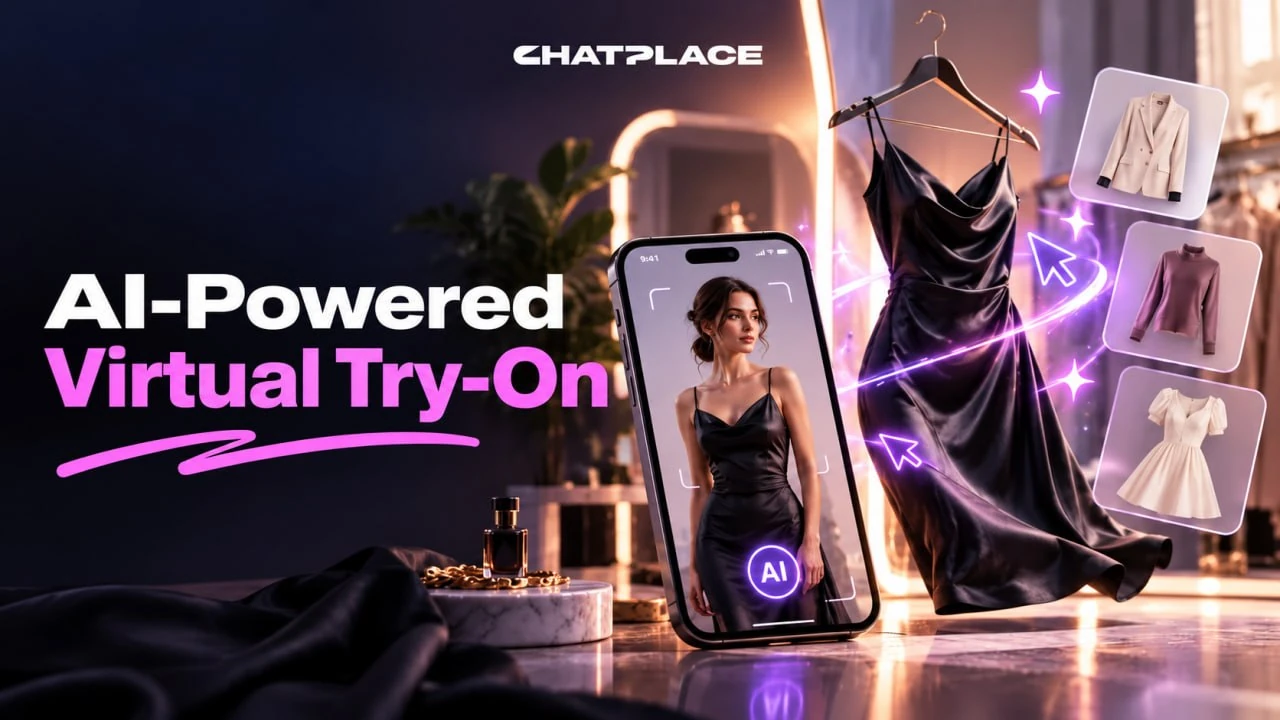
AI virtual try on works from 2 photos: a full-length shot of you and a photo of the item, and the result is a new image of you wearing it. In Virale one such image costs 17 credits, about $0.31 on the Creator plan, and a 10-second before-and-after Reel at 720p costs 152 credits. It suits clothing sellers, creators and anyone choosing an outfit before buying.
How AI virtual try on works
AI virtual try on takes a photo of a person and a photo of a garment and draws a new image in which that person wears the garment, keeping the face, pose and background. The image is built from scratch each time, so the model works out folds, shadows and fit on its own.
Big platforms already offer this. At Google I/O in May 2025, Google showed try-on with your own photo in Search: you upload a full-length photo and see products from the results on yourself. A general AI model differs in one way: the item can be anything, from a store listing, your own shop or a friend’s picture.
| Format | Input | Output | Use it for |
|---|---|---|---|
| Photo try-on | your photo and an item photo | 1–4 images | choosing a style, showing a look in a post or listing |
| Before-and-after video | your photo and item photos | a vertical 9:16 Reel | Reels and Stories with an outfit change |
Both formats run in the AI creator chat in Virale: you describe the task in words and the agent writes the prompt. If your store needs one permanent virtual model, start with our guide on how to create an AI influencer.
What photos you need for a virtual try on
A virtual try on needs 2 pictures: you at full length and the item itself, ideally on a plain background. Half of the result depends on the source photos, so 5 minutes spent on good shots pay off.
- Your photo: full length, facing the camera, in daylight, in simple fitted clothes, with arms away from the body.
- Item photo: a flat lay on the floor or the item on a mannequin, fully in frame, with no cropped sleeves and no other people.
- Format: JPG, PNG or WebP, up to 10 references per request; in the chat the agent takes up to 9.
Example: a dress from a store listing shot on a model works worse than the same dress laid flat on a table. The AI has to separate the fabric from someone else’s body, and the model’s jewelry sometimes moves into your image too. If there is no other photo, attach the one with the model and write that you only want the dress.
The service compresses files to 1.5 MB and 2,048 pixels on the long side, so huge originals aren’t needed.
How to try on clothes with AI, step by step
To try on clothes with AI in the chat, you take 5 steps, and you don’t need to write prompts or touch the settings.
- Open the AI creator chat. Start a new conversation; the default image model suits try-on.
- Attach 2 photos. Use “Add image” to upload your photo first and the item second.
- Describe the task in words. For example: “Put this coat on me from the first photo, keep my face and pose, keep the background, 4:5 format.”
- Check the price and launch. The cost in credits is on the button before you start; Nano Banana Pro charges 17 credits for a 1K or 2K image.
- Compare the options and refine. Ask for 3–4 variants, and if the fit is off, add details like “a palm shorter” or “sleeves to the wrist”.
You can download the finished image, but you can’t edit it with text afterward, so every refinement is a new generation. If an image fails because of an error or a moderation refusal, the credits come back automatically.
Before-and-after video try-on for Reels
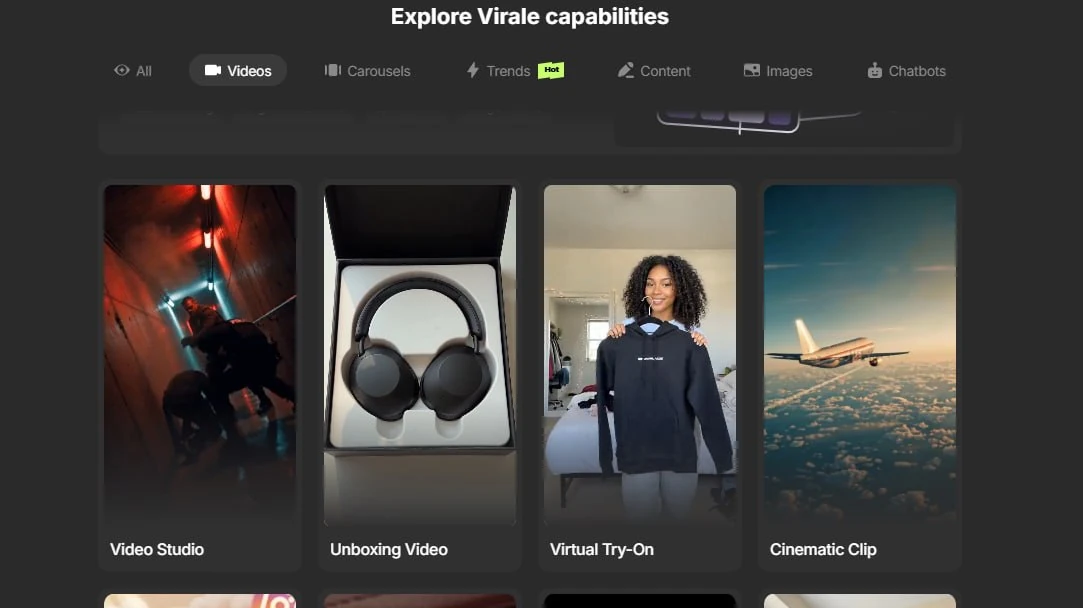
A video try-on builds a vertical Reel in which the person from your photos changes outfits while their look stays the same from the first second to the last. It is one of the ready-made video scenarios in the chat, and you open the scenario list by typing “/” at the start of a message.
The Seedance model family generates the Reel. Seedance Fast makes scenes of up to 15 seconds at 720p, and Seedance 2.5 makes scenes of up to 30 seconds at up to 1080p. The models create the sound themselves, and captions and subtitles from the generation card sit on a separate layer, so text in the frame stays readable.
Example: a dress shop films a model in a basic black dress and makes 5 Reels of 10 seconds each in which she changes into the week’s new arrivals. On Seedance Fast at 720p that is 5 × 152 = 760 credits, about $13.70 at the monthly Creator price.
If you only need motion from one still photo without an outfit change, see our guide to AI video from a photo.
How much AI virtual try on costs
Try-on is paid with plan credits: Creator costs $45 a month and includes 2,500 of them, so one credit is about 1.8 cents. Prices were checked against the official pricing page.
| What you do | Model | Credits | About |
|---|---|---|---|
| 1K or 2K image | Nano Banana Pro | 17 | $0.31 |
| 4K image | Nano Banana Pro | 31 | $0.56 |
| Quick draft | Nano Banana 2 | from 9 | from $0.16 |
| 10-second video, 720p | Seedance Fast | 152 | $2.74 |
| 10-second video, 720p | Seedance 2.5 | 292 | $5.26 |
The Creator trial comes with 500 credits: enough for about 29 images on Nano Banana Pro or 3 videos of 10 seconds on Seedance Fast. The trial requires a card and is only for accounts that have never paid for ChatPlace.
What a virtual try on won’t show you
A virtual try on shows how an item looks on you, but it doesn’t promise the item will fit. The AI doesn’t know your measurements or the brand’s patterns, so it draws the fit and length from the picture.
- Size and fit: the AI doesn’t read the store’s size chart.
- Fabric texture: thin jersey and heavy cotton can look alike in an image.
- Small details: logos, prints and lettering sometimes come out distorted; for items with text, GPT Image 2 is the better choice.
- Moderation: photos with other people’s faces or logos sometimes fail the check, and then you see a message asking you to replace the reference.
Example: if you are between sizes M and L, the try-on helps you choose a style and color, and you still check the size against your measurements. A seller should label such images as a visualization of the look, so buyers don’t expect an exact fit.
How to use virtual try on to sell on Instagram
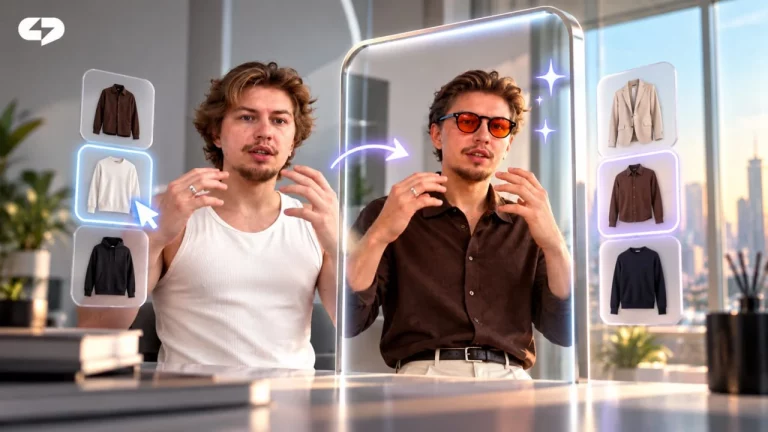
On Instagram, virtual try on replaces a photo shoot for new arrivals: one picture of a model turns into a series of looks for posts, carousels and Reels.
- A carousel of looks: 5–7 images of one model in different items, with “which look is yours?” on the first slide.
- A before-and-after Reel: outfit changes on the beat, with a keyword to comment at the end.
- A DM reply: anyone who comments the keyword gets a link to the item automatically, which you set up in Instagram automations.
Try-on adds to an AI photoshoot from your own photos and AI product photography: those give you portraits and product shots, and try-on puts the item on a person. A ready carousel layout is covered in our guide to making a carousel in 5 minutes. Each look costs the same 17 credits per image, so a series of 6 items comes to about 102 credits, around $1.84.
Key takeaways
- An AI virtual try on needs 2 photos: you at full length and the item on a plain background.
- One image on Nano Banana Pro costs 17 credits, about $0.31, and a 10-second before-and-after Reel starts at 152 credits.
- Try-on helps you choose a style and color, while size is still checked against measurements.
- Next step: make 3–4 variants of one item and post the best one in a carousel or a Reel.
FAQ
Is there a free AI virtual try on?
There is no free virtual try on in Virale, because image and video generation spends credits and runs on the Creator and Premium plans. You can try it on the Creator trial, which gives you 500 credits. On Free and on Pro without a balance, generation is switched off, and the agent in the chat offers the trial instead. One try-on image on Nano Banana Pro costs 17 credits, so 500 credits cover about 29 images. For example, to choose between 4 jackets you need 4 generations of 17 credits, 68 credits in total, and the remaining 432 credits can go to a before-and-after Reel and a few more looks. The cost of each generation is on the button before launch, so nothing extra is charged. The AI limit counter in the interface shows your balance. The trial requires a card and is only for accounts that have never paid; you can start it after you sign up for ChatPlace.
How can I try on clothes on myself online?
To try on clothes on yourself online, upload a full-length photo of yourself and a photo of the item to an AI chat, then ask it to put the item on you while keeping your face and pose. The result arrives as an image in the conversation. Photos taken in daylight, facing the camera and in simple fitted clothes work best, because they help the AI read your figure. The item is easier to shoot laid flat on the floor or on a mannequin, fully in frame and without cropped edges. For example, you are choosing between 2 blazers from an online store, so you save their photos from the listings and make 2 variants of each. You end up with 4 images that show which color and length suit you. One image on Nano Banana Pro costs 17 credits, so this comparison costs 68 credits, about $1.22 at the monthly Creator price.
Can I try on clothes from Amazon or another online store?
Yes, you can try on an item from Amazon or any other online store: save the product photo from the listing and upload it to the chat along with your full-length photo. You don’t need any integration with the store, because the item photo works as a reference. The main difficulty is that stores usually show the item on a model, so the AI has to separate the fabric from someone else’s body. In your request, say plainly that you only want the clothing, without the model’s jewelry, bag or hairstyle. For example, for a dress from a listing, attach 2 photos, front and side, and ask: ‘put only this dress on me, keep my face and pose.’ If the listing has a photo of the item without a model, use that first. Keep store photos for personal try-on: the rights belong to the seller, so don’t post them in your own content.
Which AI is best for trying on clothes?
For trying on clothes from a photo, Nano Banana Pro works well: in Virale it is labeled as the model for realistic faces and portraits, and it is the default choice. For items with lettering and prints, GPT Image 2 is the better fit. The difference shows in the details. Nano Banana Pro keeps the face, skin and proportions more carefully, so it suits looks where the person matters most. GPT Image 2 draws text on fabric more accurately, for example a T-shirt with a large slogan or a hoodie with a logo. For example, use Nano Banana Pro for a linen suit, and for a sweatshirt with a phrase on the chest make a variant on GPT Image 2 as well, then compare both images. For before-and-after videos, the Seedance family fits, and a 10-second 720p video on Seedance Fast costs 152 credits. The price of each model is on the launch button.
Does AI keep my face during a virtual try on?
Yes, AI keeps your face during a virtual try on if you ask for it directly and give a sharp photo where the face is clearly visible. Generation doesn’t guarantee full accuracy, so it makes sense to create 3–4 variants. The face holds best in a daylight photo without dark glasses or strong shadows, taken from the front or at a slight angle. In your request, write ‘keep my face, hairstyle and pose’ so the model doesn’t change them along with the clothes. For example, out of 4 variants of a coat try-on, 1 image may come out with a different eye shape while 3 look like you, so pick from those. The closer the angle and light in your photo are to the look you want, the fewer variants you need. In a before-and-after video, the try-on scenario keeps the same person in every shot. If an image fails moderation or crashes, its credits are returned automatically.
Can I try clothes on a model for my store?
Yes, you can try clothes on a model for your store: upload a photo of a model or yourself plus photos of the items, and the AI builds images for listings, posts and carousels. For a series, keep the same model, so the range looks consistent. If you don’t have a real model, you can generate a permanent character and dress that character instead. For example, a shop gets 8 new T-shirts and makes 2 images of each, 16 generations of 17 credits, which is 272 credits, about $4.90 at the monthly Creator price. Those images become a week of carousels and covers for listings. The same approach works for Stories: one model, a new item every day. The 4:5 format suits the feed and 9:16 suits Stories. Label such images as a visualization and list sizes from real measurements, so buyers don’t expect an exact fit or return orders.
How many photos can I upload for a try on?
You can upload up to 10 photo references per request for a try on, and in the AI creator chat the agent takes up to 9 images. A normal try-on needs 2–4 files. The basic set is one full-length photo of you and one photo of the item. Extra shots help with a complex cut or details on the back. For example, for a jacket with a print on the back, upload your photo plus front and back views of the jacket, 3 files in total, and ask to see both angles. Order matters: attach your photo first, then the item, and mention this in the request. The service compresses oversized files to 1.5 MB and 2,048 pixels. The image price doesn’t depend on the number of references: it is set by the model and the size, 17 credits for 1K or 2K on Nano Banana Pro.
Why does my virtual try on fail moderation?
A virtual try on fails moderation when the filter reacts to the request text or to an input photo: other people’s faces, logos, sensitive content or an unsupported file format. In both cases the credits for the image come back. The message tells you what to change. If it asks you to change the request, reword the task without risky words. If it asks you to replace the reference, the problem is in the input photo, so swap it. For example, an item photo with a large third-party logo on the chest may be rejected, while the same item laid flat on a table without the tag passes. One simple rule helps most often: the item separately, without tags or lettering, and the person separately, on a neutral background. A refusal doesn’t spend credits, so trying another photo costs nothing. After an unexplained error, retry in a minute.

Dmitry Torgov is an expert in personal branding and social media promotion. Co-founder of ChatPlace.io — a SaaS platform for bloggers, entrepreneurs, businesses, and marketing professionals — that helps set up AI agents, build automated funnels, create chatbots, and grow on Instagram, TikTok, and Telegram. Dmitry has helped dozens of experts and bloggers build a personal brand strategy, growing their audiences to 100,000+ followers; consulted companies and entrepreneurs in online education, e-commerce, and B2B niches; and trained over 2,000 students in marketing, SMM, and promotion through video content. “Personal branding is not about views, likes, or quick hype. Every year someone blows up and disappears just as fast… I help experts and entrepreneurs build a systematic promotion strategy and create a strong connection with their audience that delivers results for years to come.”